

renderWhen for
role-based field visibility, and setValues actions for routing decisions. Each approval stage is a
Wizard step; the JSON schema drives what each approver sees without a code deploy when the process
changes.
Last reviewed: April 2026.
The problem
Enterprise approval workflows have two recurring pain points:- Form structure changes with the process. A vendor onboarding form that worked for 20 vendors now needs a compliance section for vendors above $50K spend. Adding that section normally means a code change, PR review, and a deployment window.
- Different approvers see different fields. The requester fills in the request details. The manager approves or rejects. Finance adds cost-center codes. Legal flags contractual risk. Each role sees a different slice of the same underlying form — and that slice changes as the process evolves.
Schema design for approval stages
Each approval stage maps to a Wizard step. The Wizard’s per-step validation ensures fields are complete before advancing.validateOnNext: trueprevents advancing with incomplete fieldsrenderWhenon the Finance step hides it entirely when the manager rejects — Finance never sees the steprenderWhenon Manager Notes makes the rejection notes field appear only when “Reject” is selected
Role-based field visibility
Each approver role sees a different subset of fields. The cleanest approach: embed the current user’s role intoinitialData when loading the form, then use renderWhen to control visibility
per role.
currentRole value lives in form.data alongside the actual form fields. It’s injected once on
load and never submitted (filter it out in your onActionEventAsync handler before saving to the
database).
Conditional routing with setValues
When a manager escalates, you often need to auto-populate routing metadata — who the next approver
is, which queue it goes to. Use setValues actions triggered by the radio button’s onChange
event:
nextQueue is now a hidden metadata field the backend reads to route the record to the right
approval queue — set automatically as the manager makes their decision.
Escalation threshold: conditional compliance step
For requests above a spend threshold, a compliance review step becomes required. Add the step with arenderWhen that checks the amount:
requestedAmount is below $50,000, this step never appears and its fields are skipped in
validation. When amount crosses the threshold (for example, if the requester updates the amount
field), the step appears automatically without any code change.
Storing and versioning schemas
Approval processes evolve. A schema versioning approach prevents in-flight approvals from breaking when the schema changes:Submit handler: multi-stage persistence
Each Wizard step’s “Next” action runs validation locally. The final “Submit” action sends the complete payload:Letting process owners change the form
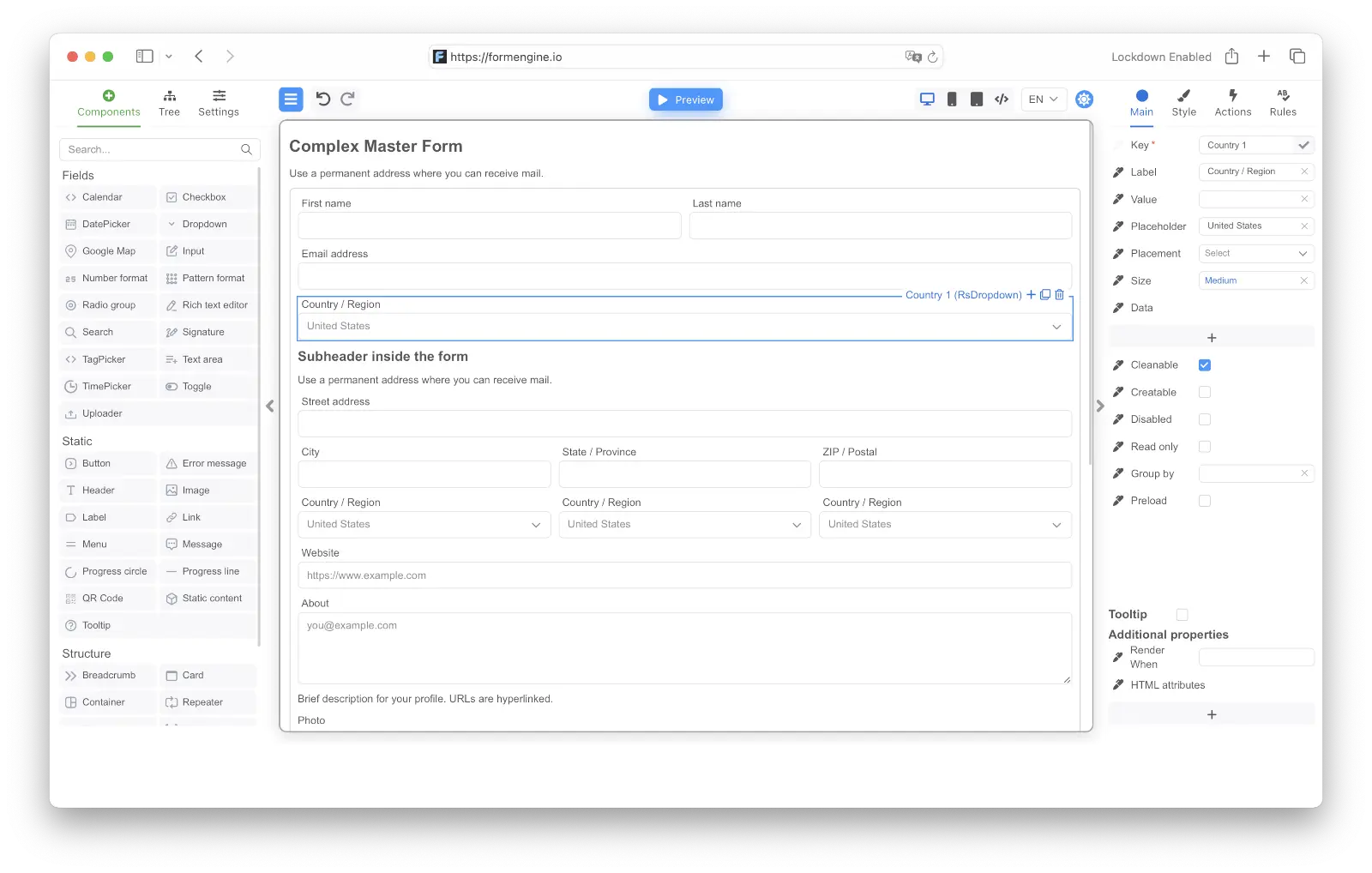
With FormEngine Designer, you can embed the form editor in an admin panel so the process owner — not a developer — can add fields, change options, or adjust approval thresholds. The schema they save is exactly whatFormViewer reads.
Related
- Wizard component reference
- Conditional logic reference
- Actions and events
- Form data handling
- Multi-step form tutorial
- SaaS form builder use case
- FormEngine Designer
FormEngine on GitHub · npm · Pricing