

Creating dynamic values
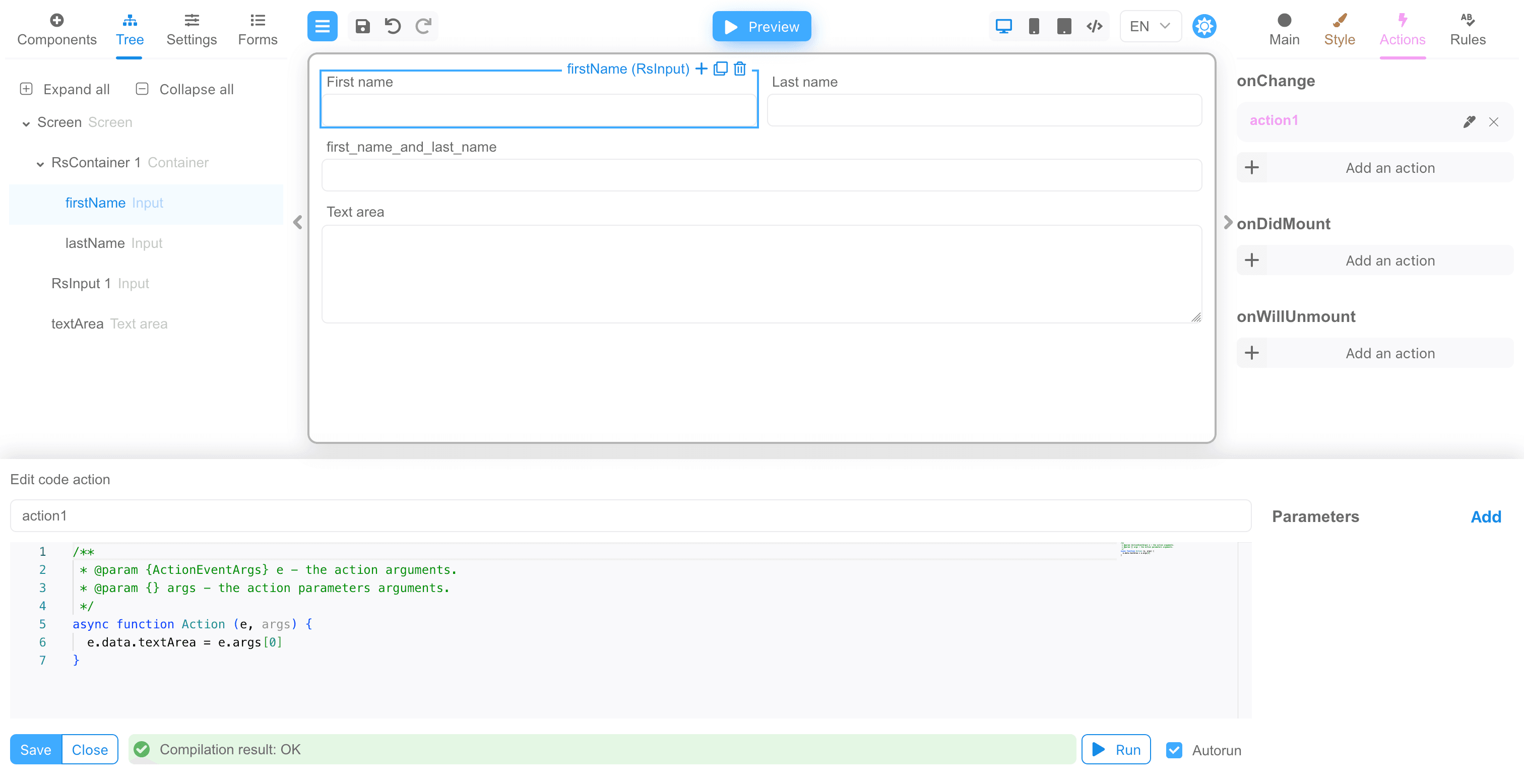
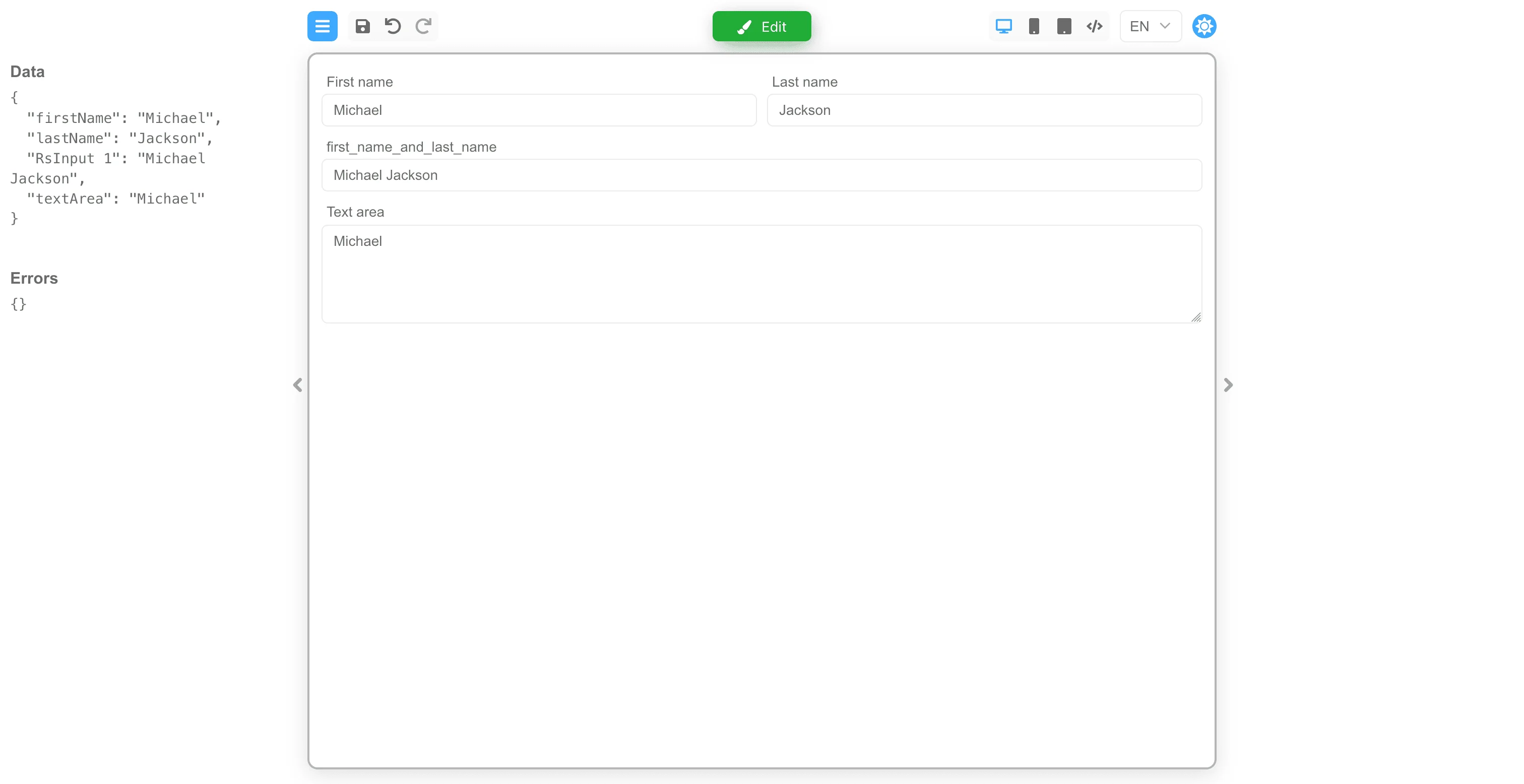
The example below consists of a form with two input fields for the First Name and Last Name. This form also provides another input field with computed properties that combines first and last name values dynamically. In addition, the form includes a text area that also reflects the value in the first name input using an action.action1 and it is defined within the onChange event. Therefore,
when the first name is defined within the corresponding input, its value is passed to the text area component. The action code is simple,
the value is set for the component with the textArea key:
action1
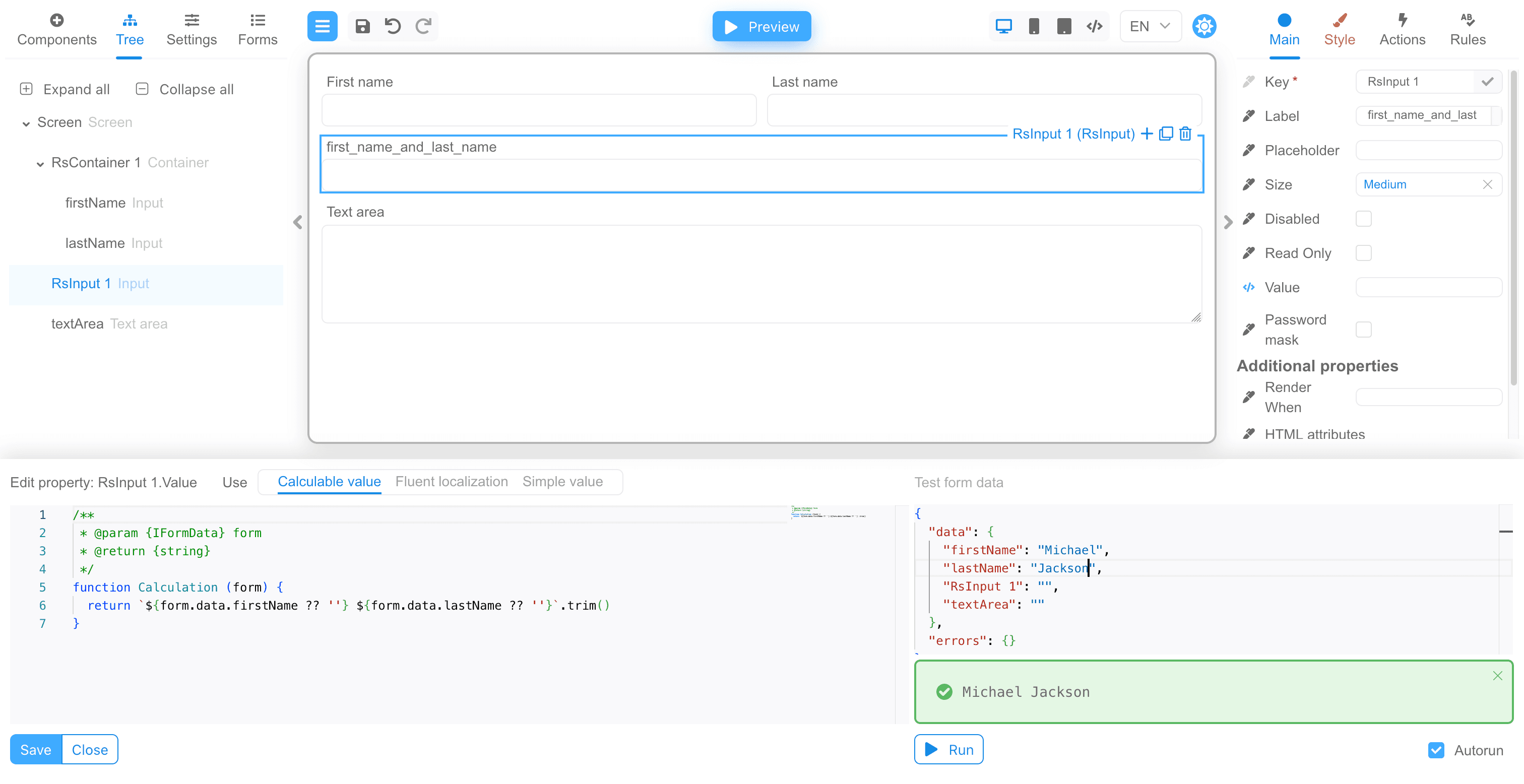
first_name_and_last_name has the Value property defined as a computed property. The value is calculated as a
combination of the values from the first name and last name inputs. The combined value is trimmed using a JavaScript method:
Next steps
- Explore all implementation guides: Guides hub
- Continue with runtime architecture: FormEngine Core
- Add visual form authoring: FormEngine Designer
- Integrate in your stack: Integrations
Official resources
- Runtime package: @react-form-builder/core on npm
- Designer package: @react-form-builder/designer on npm
- Source code and examples: FormEngine GitHub repository
- Commercial Designer plans: Pricing