

Overview
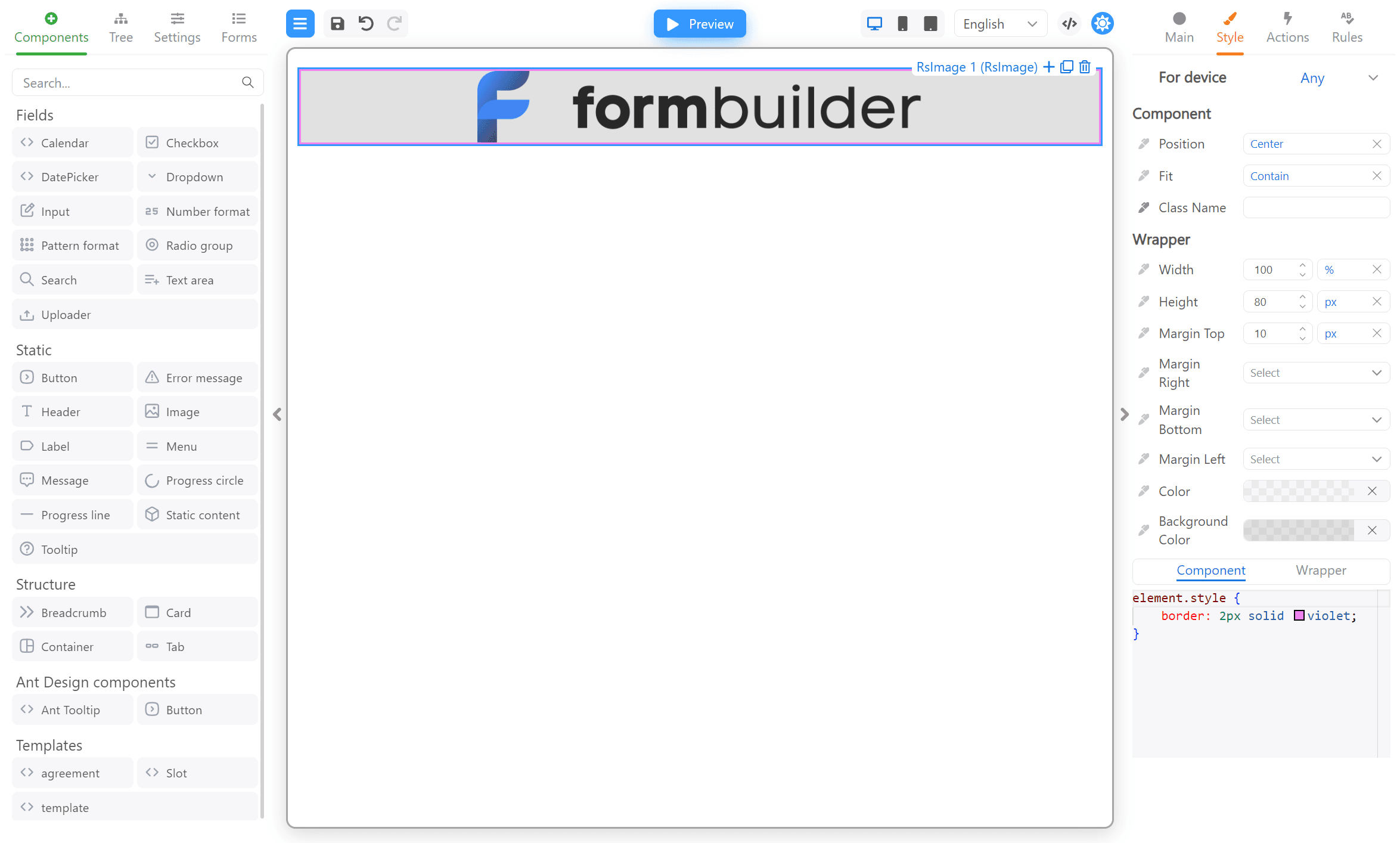
Styling of components in Form Builder is quite simple - you can customize styles for a component on the “Style” tab. The styles will be compiled into a CSS class. The name of this CSS class will be passed to the component’s rendering function as theclassName property.
Also, you can to set different styles for different layouts.
Structure
Each component (except Containers) in the form is placed in an outer wrapper, a tooltip and a wrapper for displaying errors during rendering. This is what the nesting structure of a regular component looks like:font-size for the Label component or fit for the Image component) are applied directly to it. These properties can be edited
on the Style tab, under the Component heading.
The sizing, padding, positioning and other
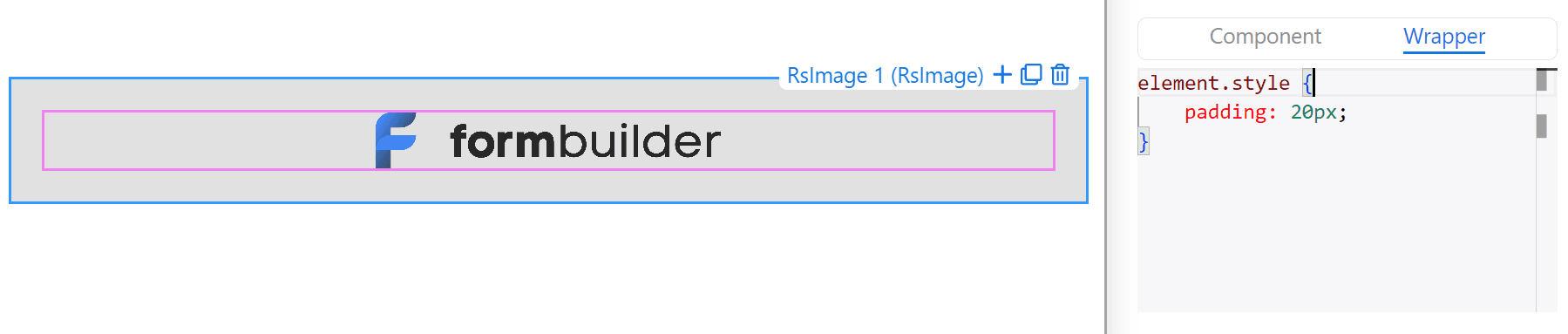
styles inherent in all components are applied to the outer wrapper of the component. They are located under the Wrapper heading.
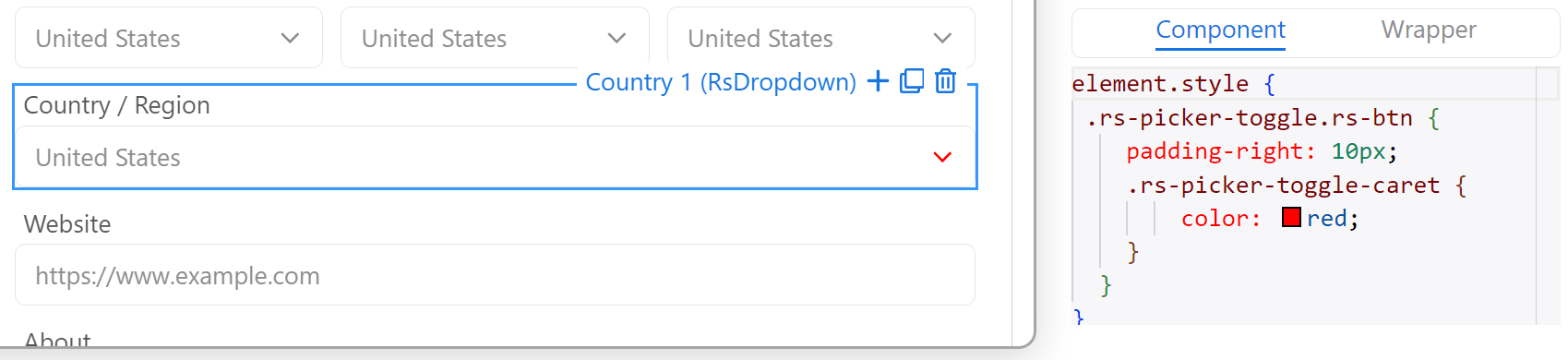
You can also enter the CSS code for the component or wrapper into the editor at the bottom. There you can use all CSS properties such
selectors, pseudo-classes, etc.
Container components has no outer wrappers, and all styles are attached to it:
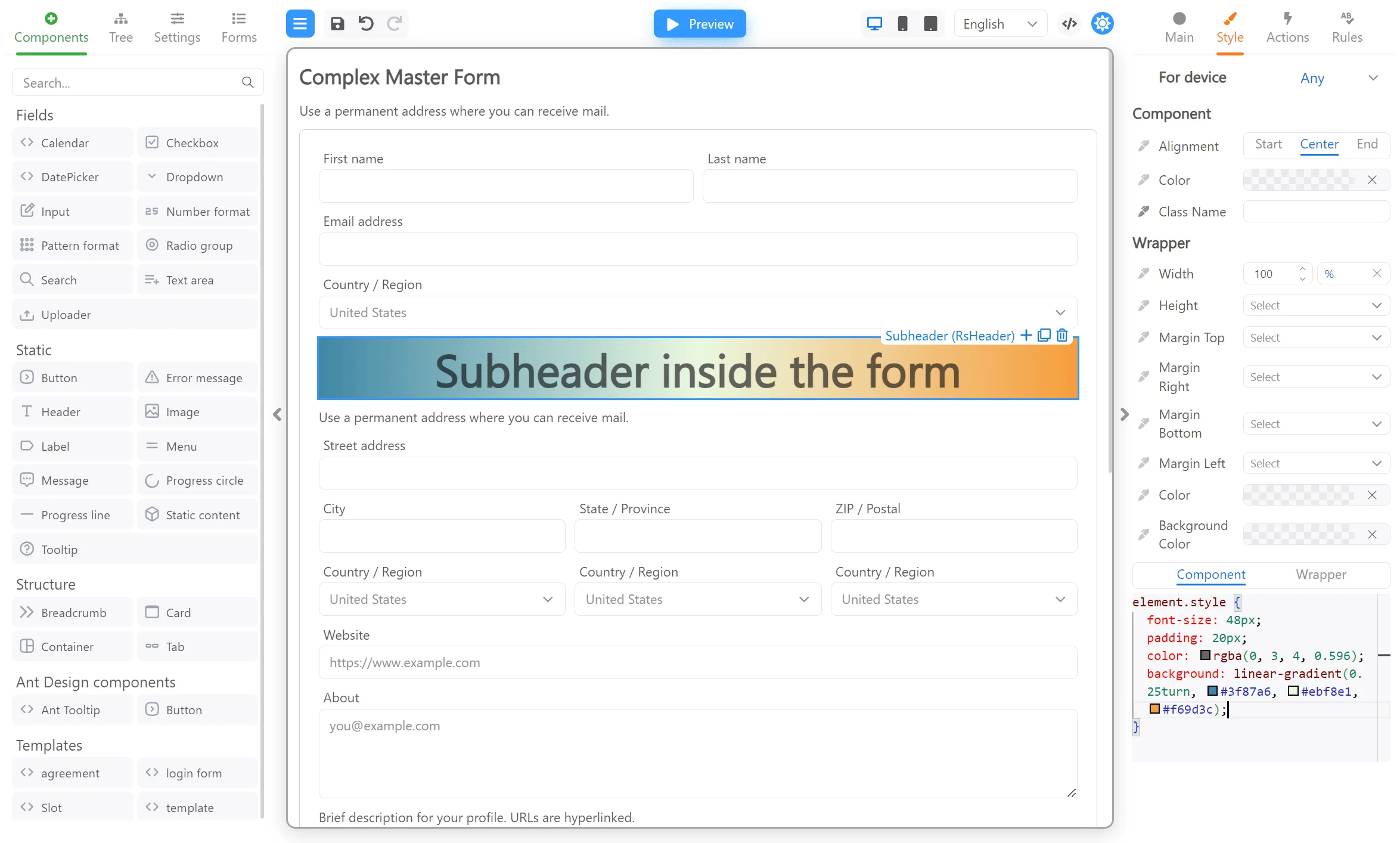
Styling a header component
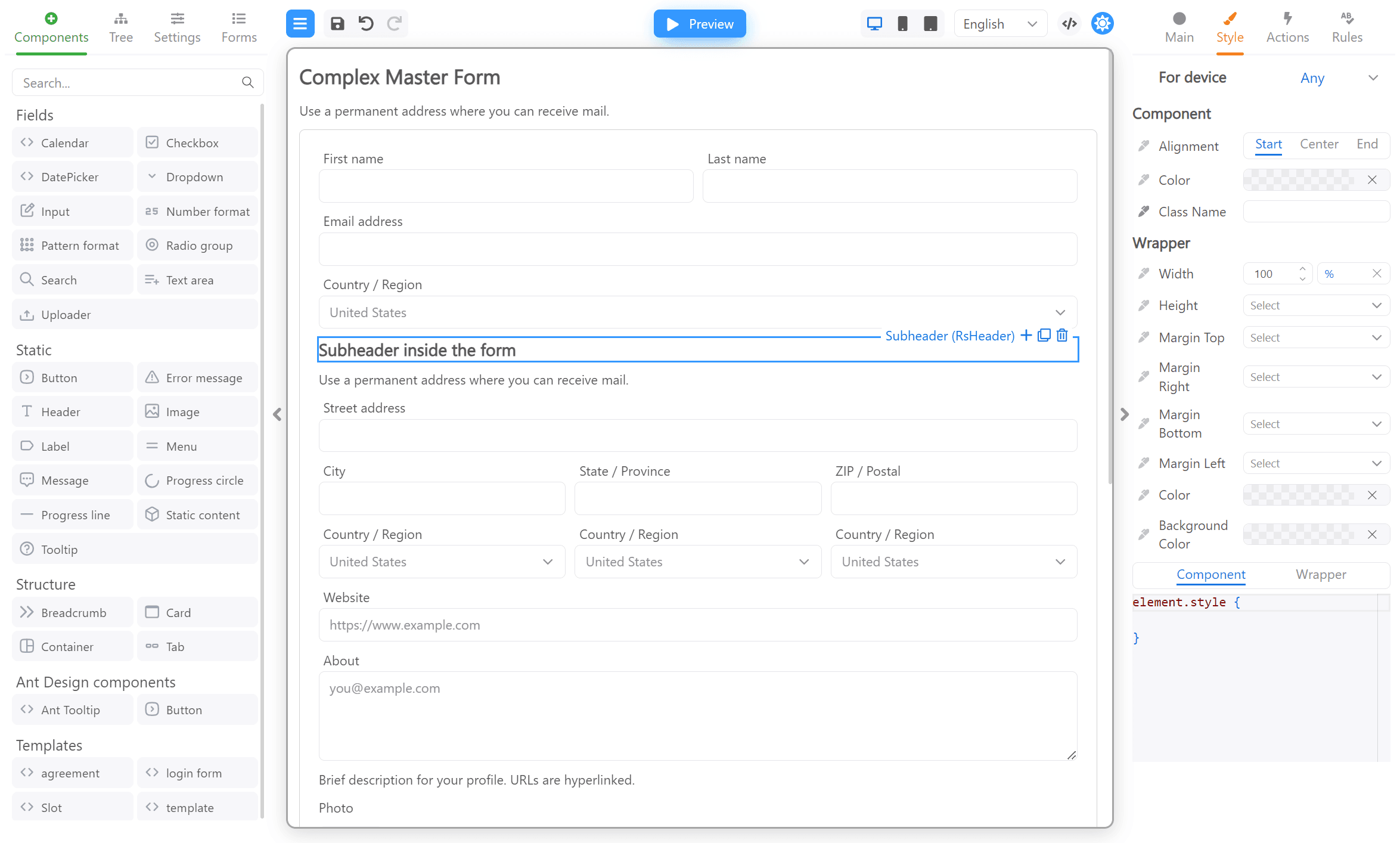
Stylize the simpleHeader component on the demo page. Open a browser at demo.formengine.io. Select
the Subheader component and click on the “Style” tab as in the screenshot below:
Styling a simple component
First, let’s make a simple component that will renderdiv:
StyledDiv.tsx
StyledDivProps component, the className property is defined, which is responsible for the name of the CSS
class. In the component’s rendering function, the className property was passed to div. It’s simple.
Let’s add a component to the application. For simplicity, we will have a designer with only one component:
App.tsx
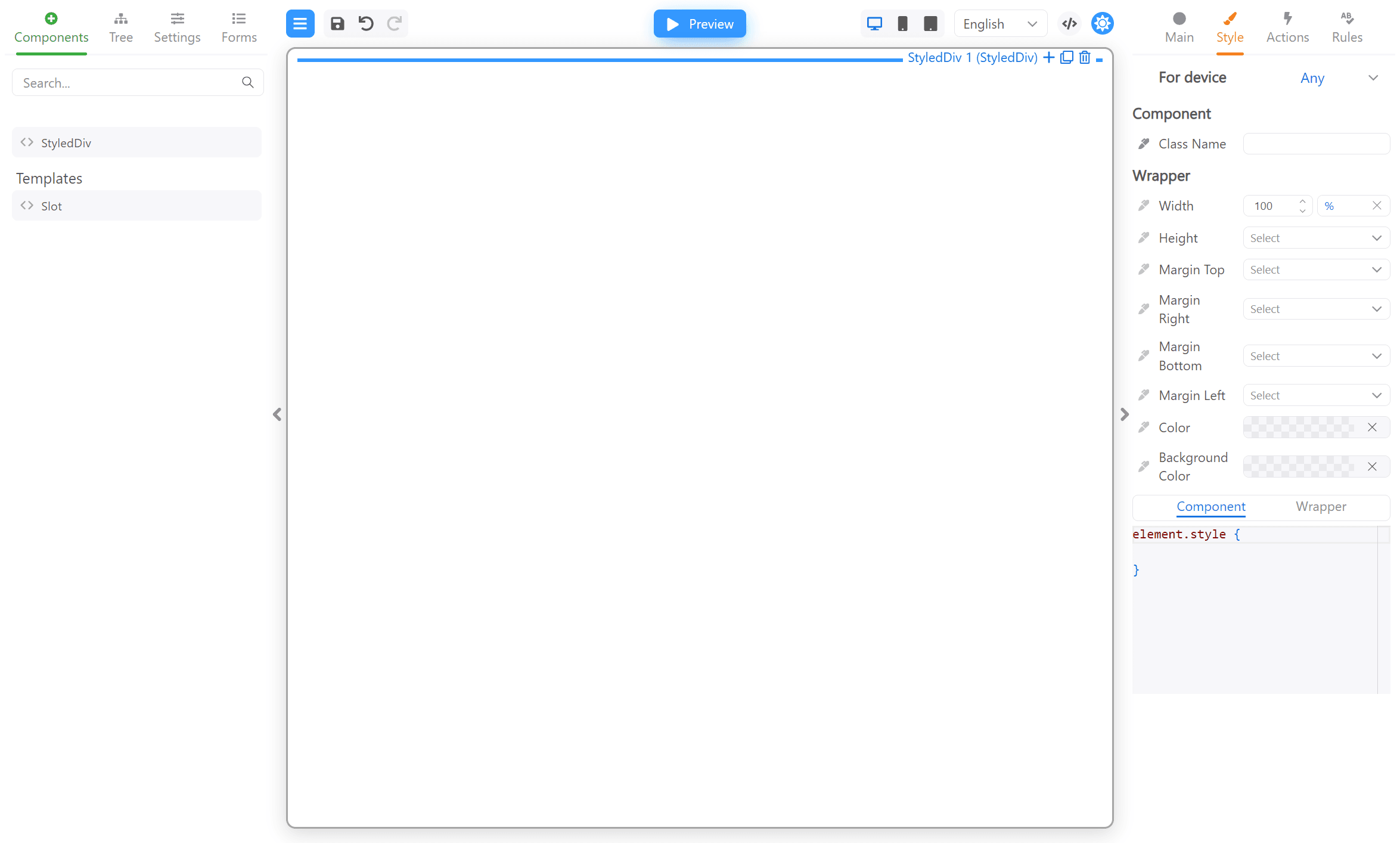
StyledDiv component to the form. Then switch to the “Styled” tab in the right pane. You should see
something like this:
Custom style properties
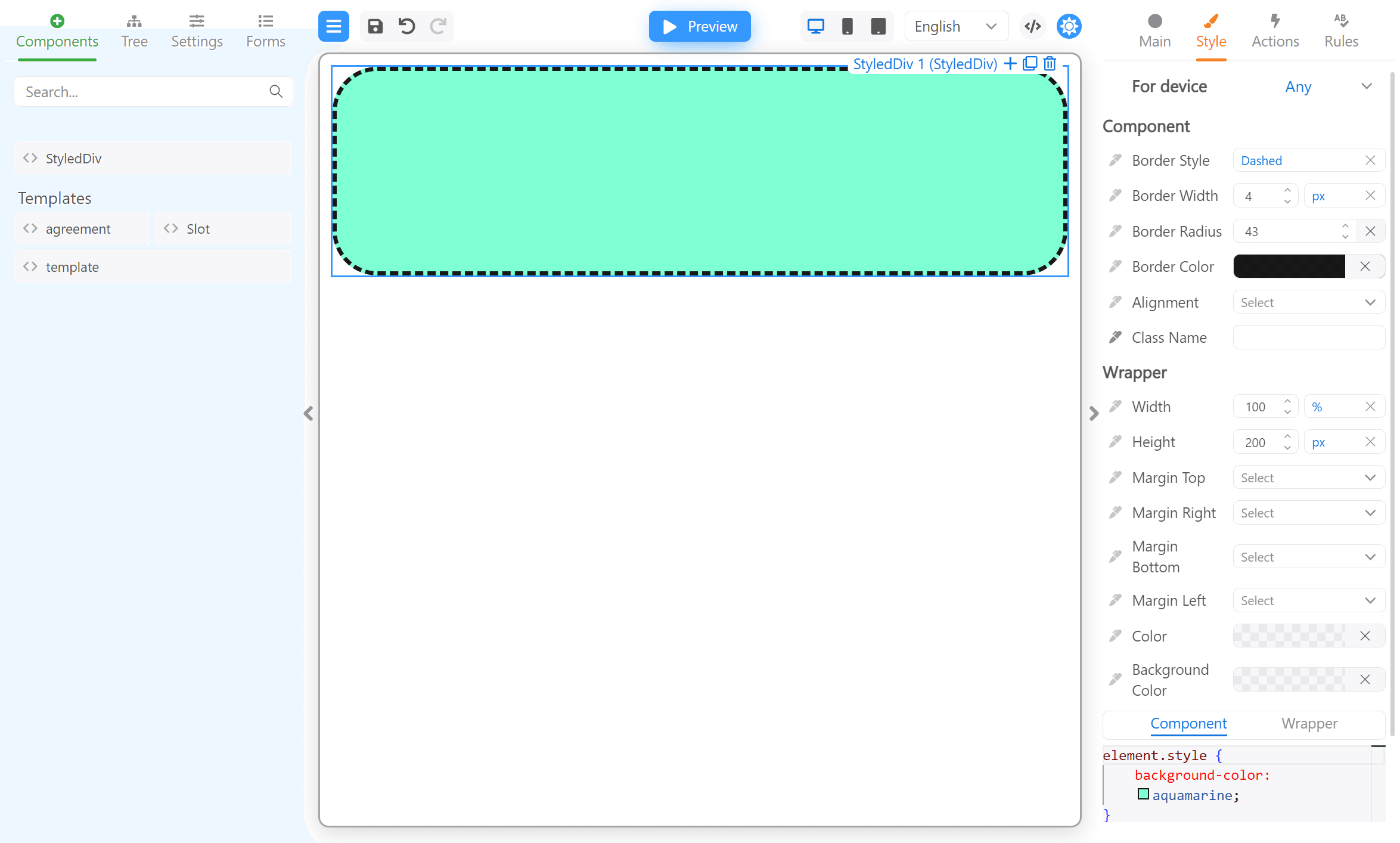
You can also bind CSS properties using the css annotation. Take a look at the code below:StyledDiv.tsx
Passing styles to the style attribute
In some rare cases, you may need to pass CSS styles to thestyle property of a component. For example, a base component does not support
the className property, but can accept styles via the style property. Or perhaps you want to pass some styles via the className
property and some via the style property.
By default, the editor for the style property is hidden, while the editor for the className property is displayed. You can change the
display of these editors using
the showInlineStylesEditor
and showClassNameStylesEditor methods, respectively.
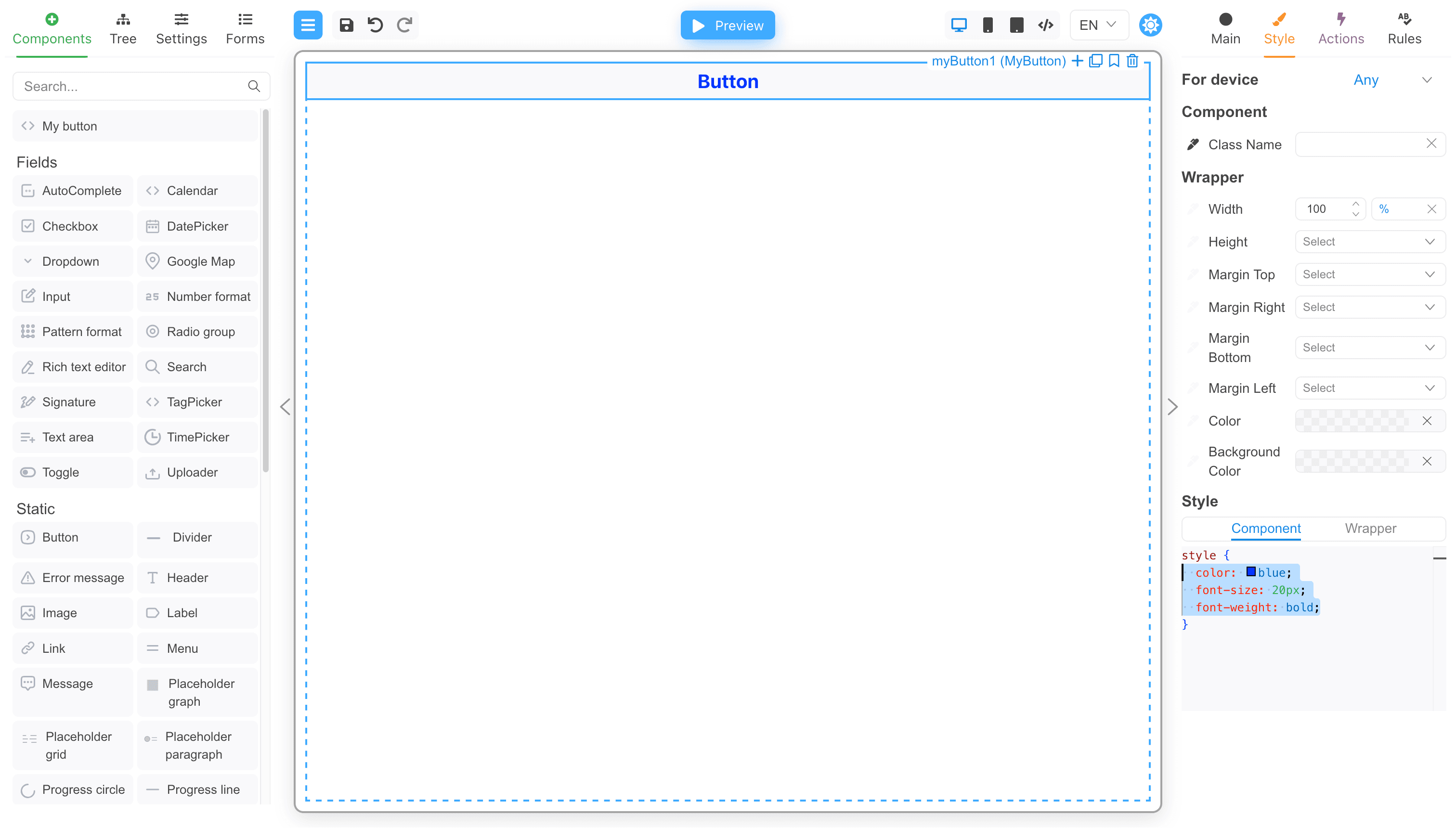
Component example
CSSProperties and passed to the component’s style property.
Next steps
- Designer Customization — Learn advanced customization options
- Core Styling — Apply styles in FormEngine Core runtime