

Creating a modal form
We assume that you have the Designer and @react-form-builder/components-rsuite package installed. First, we will need a form that will be displayed inside the dialog window. Let’s call this formmodal. This will be a form with two input
fields and two buttons.
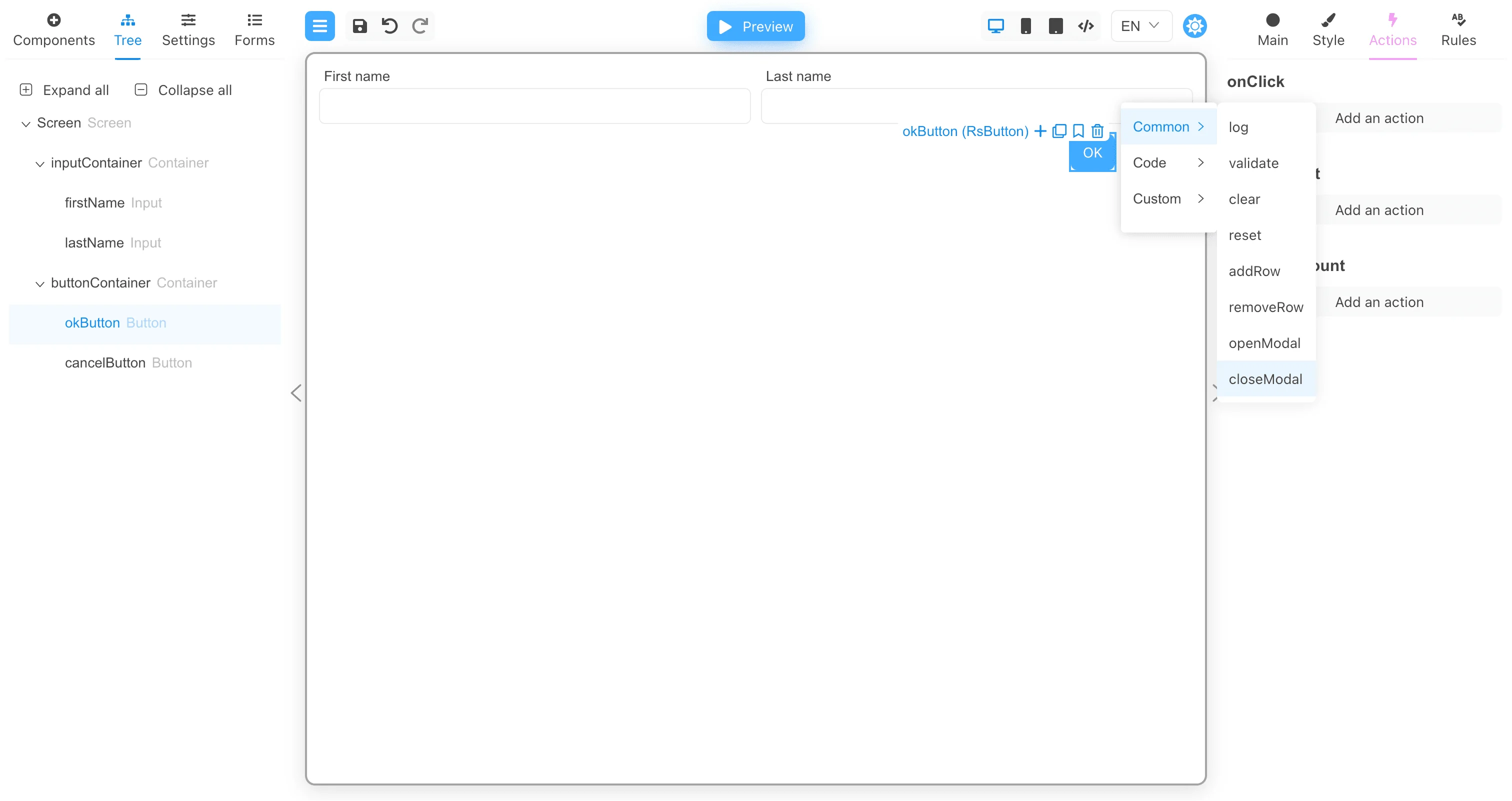
onClick event of the OK button, add a call to the closeModal action with the ok argument as the result of calling the modal
window.
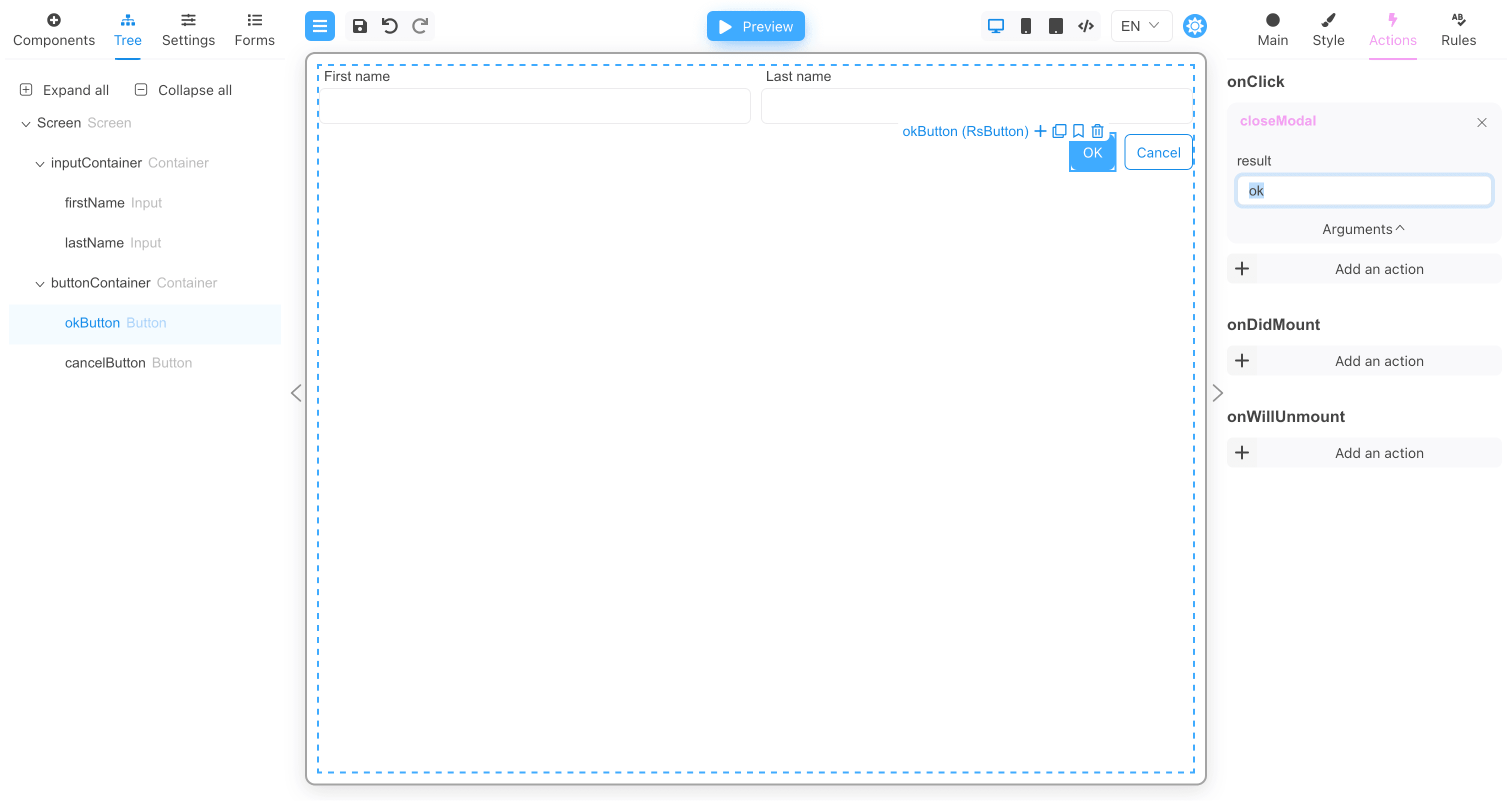
onClick event of the Cancel button, add a closeModal action call with the cancel argument as the result of calling the modal
window.
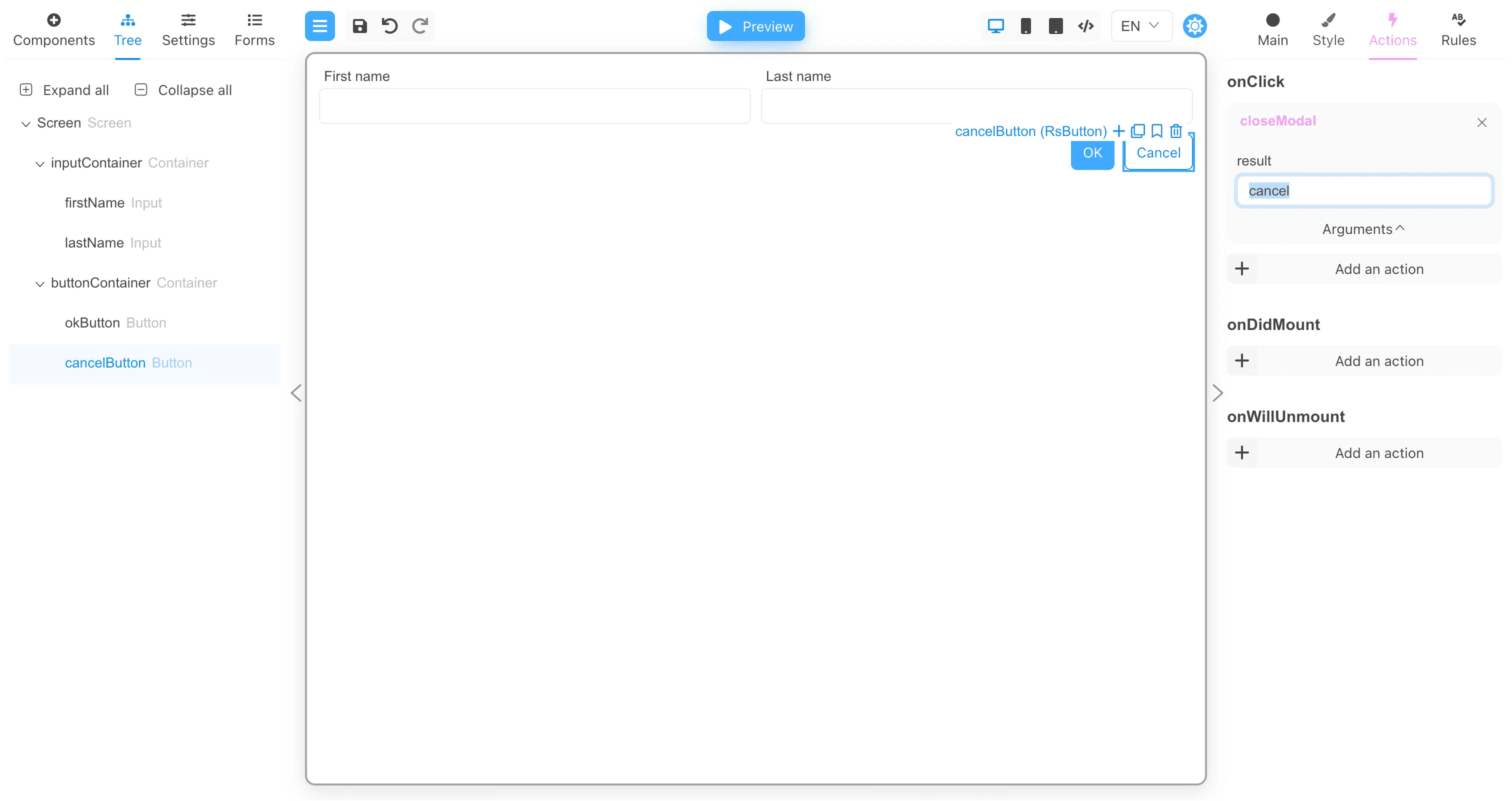
Working with modal components
Now create a new form that will open the modal window. As with tooltips, you need to specify the component that will display the modal windows in the form settings.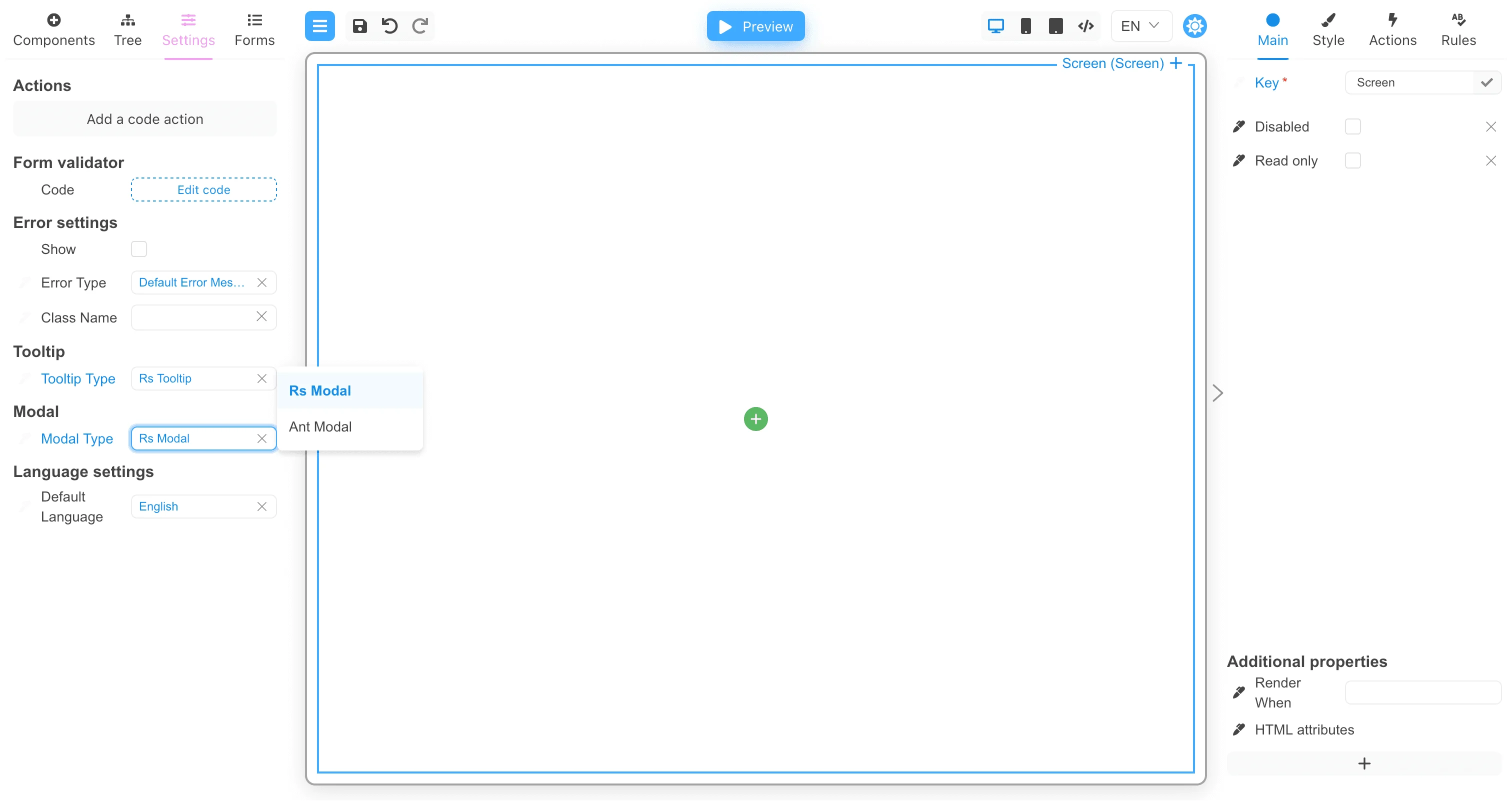
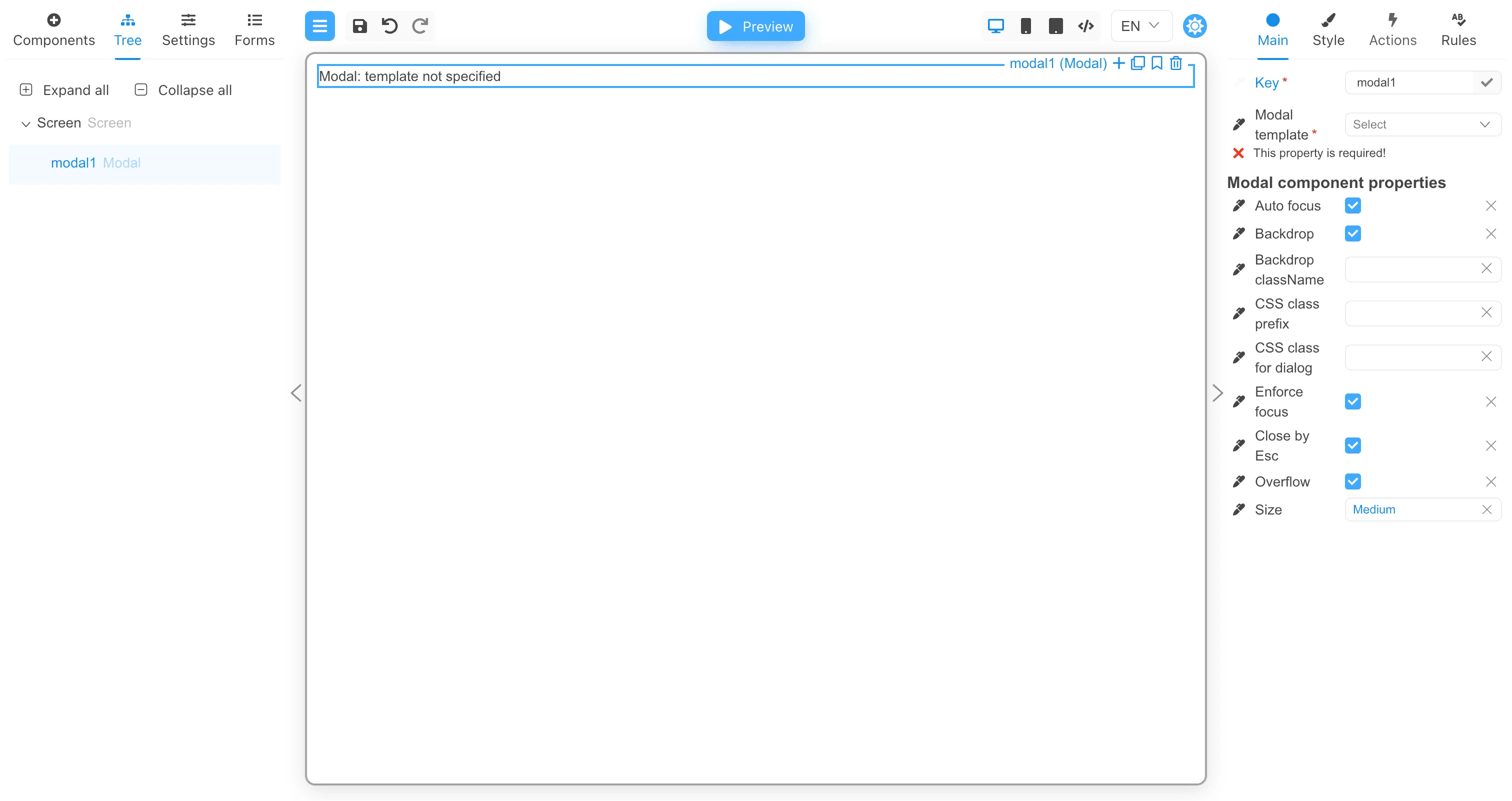
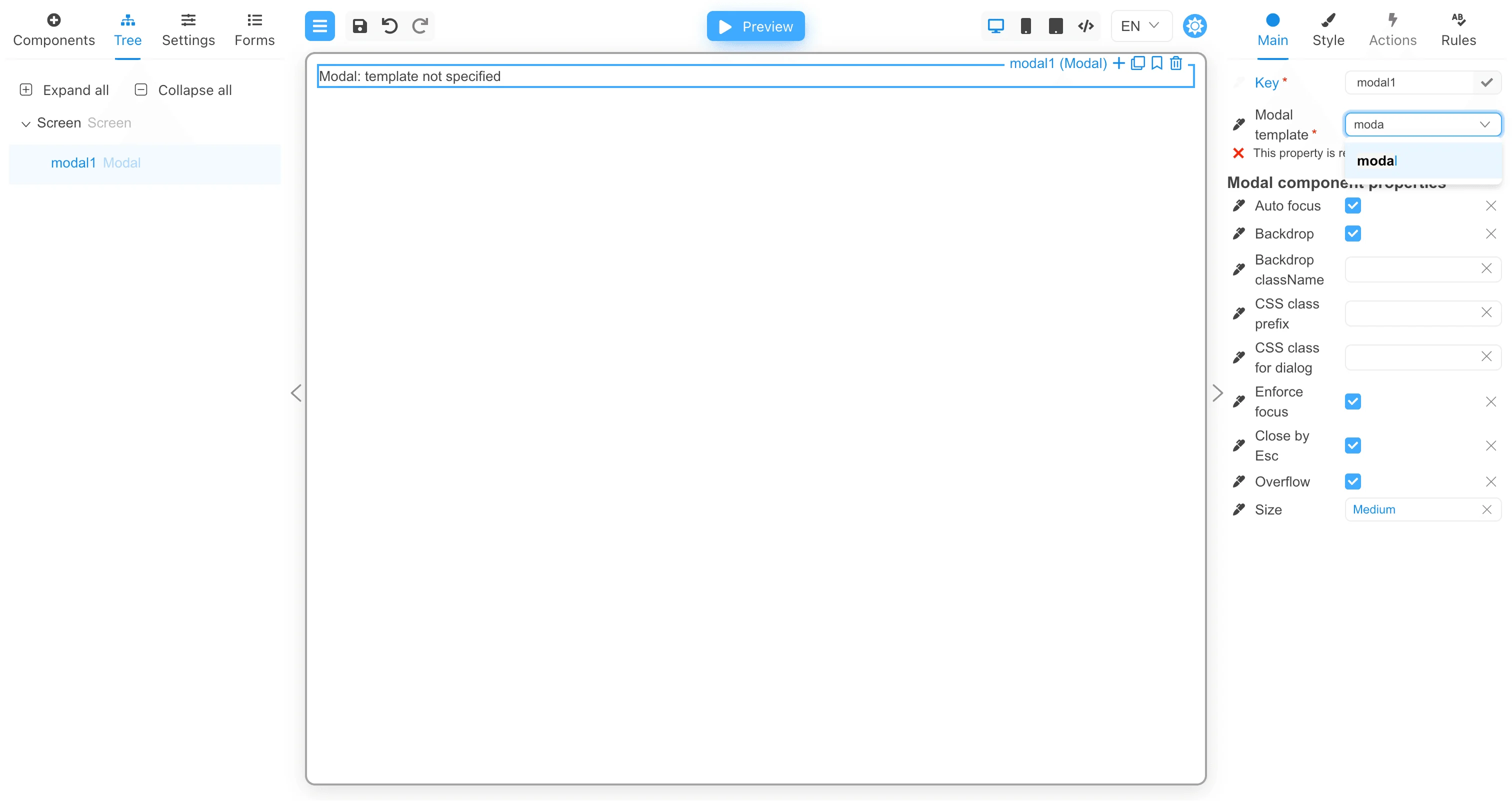
onClick event that will open the modal window.
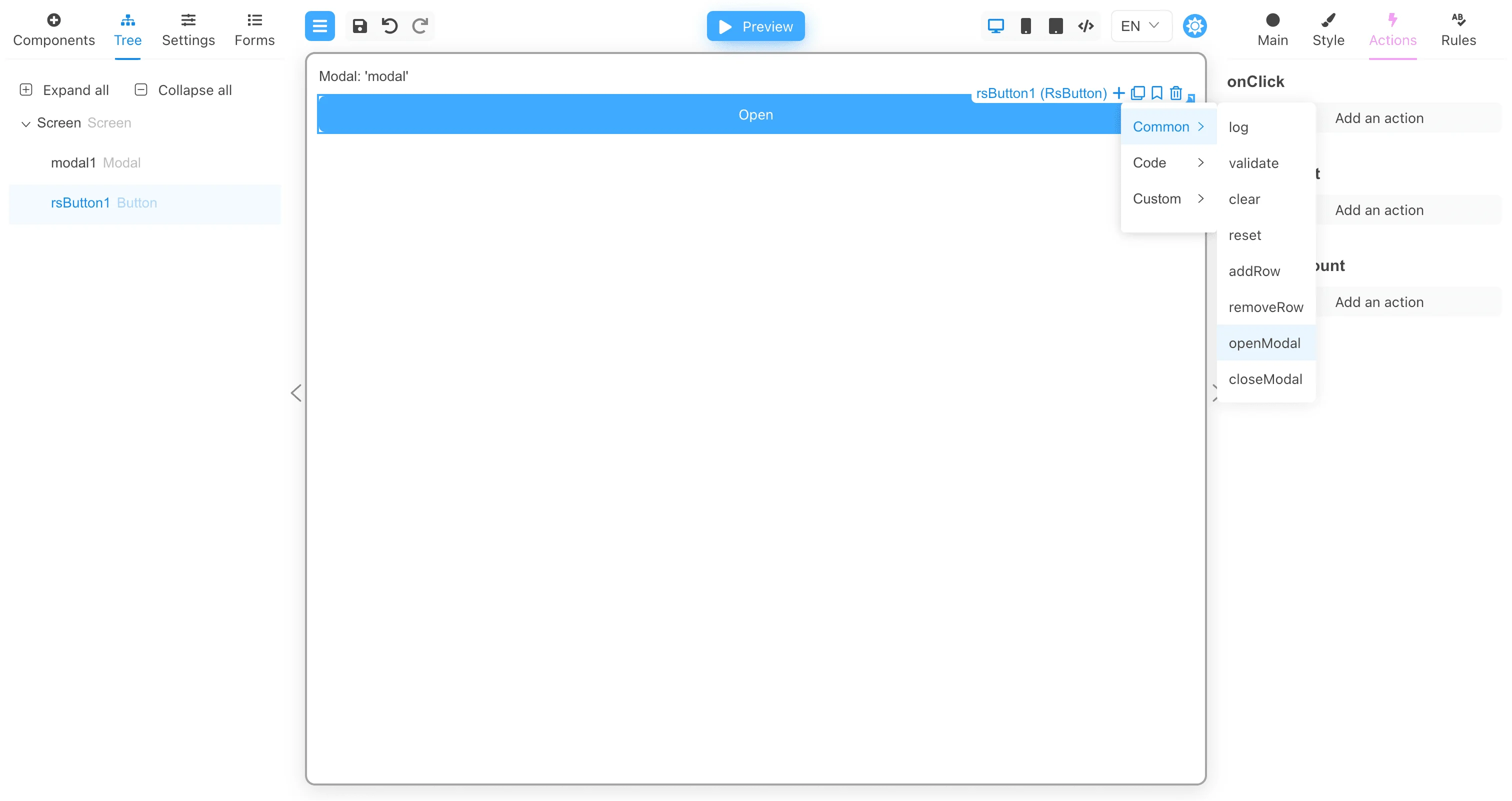
modalKey argument the value modal1. This will link the openModal action to the modal1 component. When the
openModal action is performed, it will find the modal component in the form settings (RS Modal in our case), and then display this
modal component inside the component with the modalKey argument.
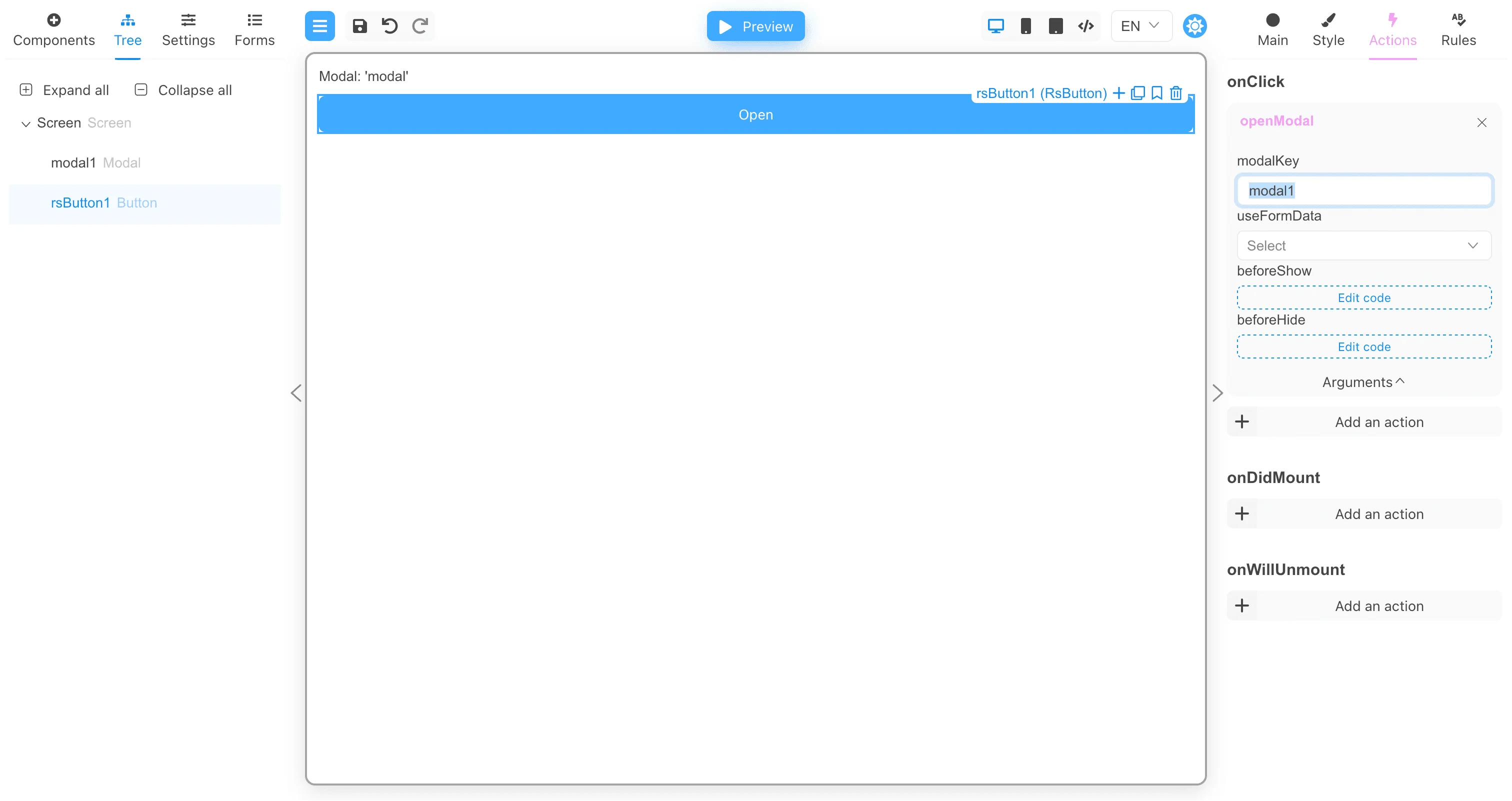
useFormData argument to true if you want to transfer all form data to the modal window.
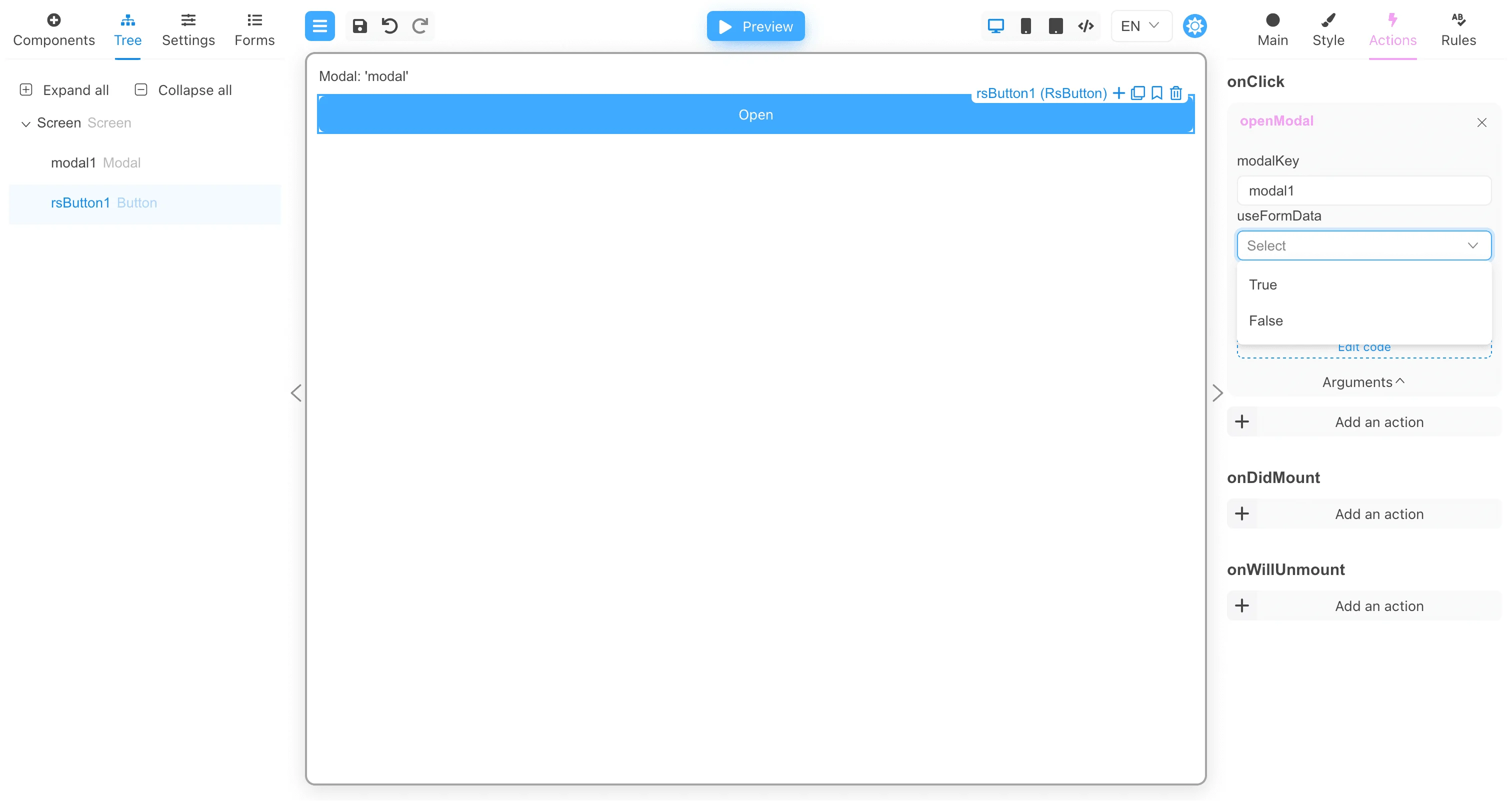
beforeShow and beforeHide. These arguments are functions.
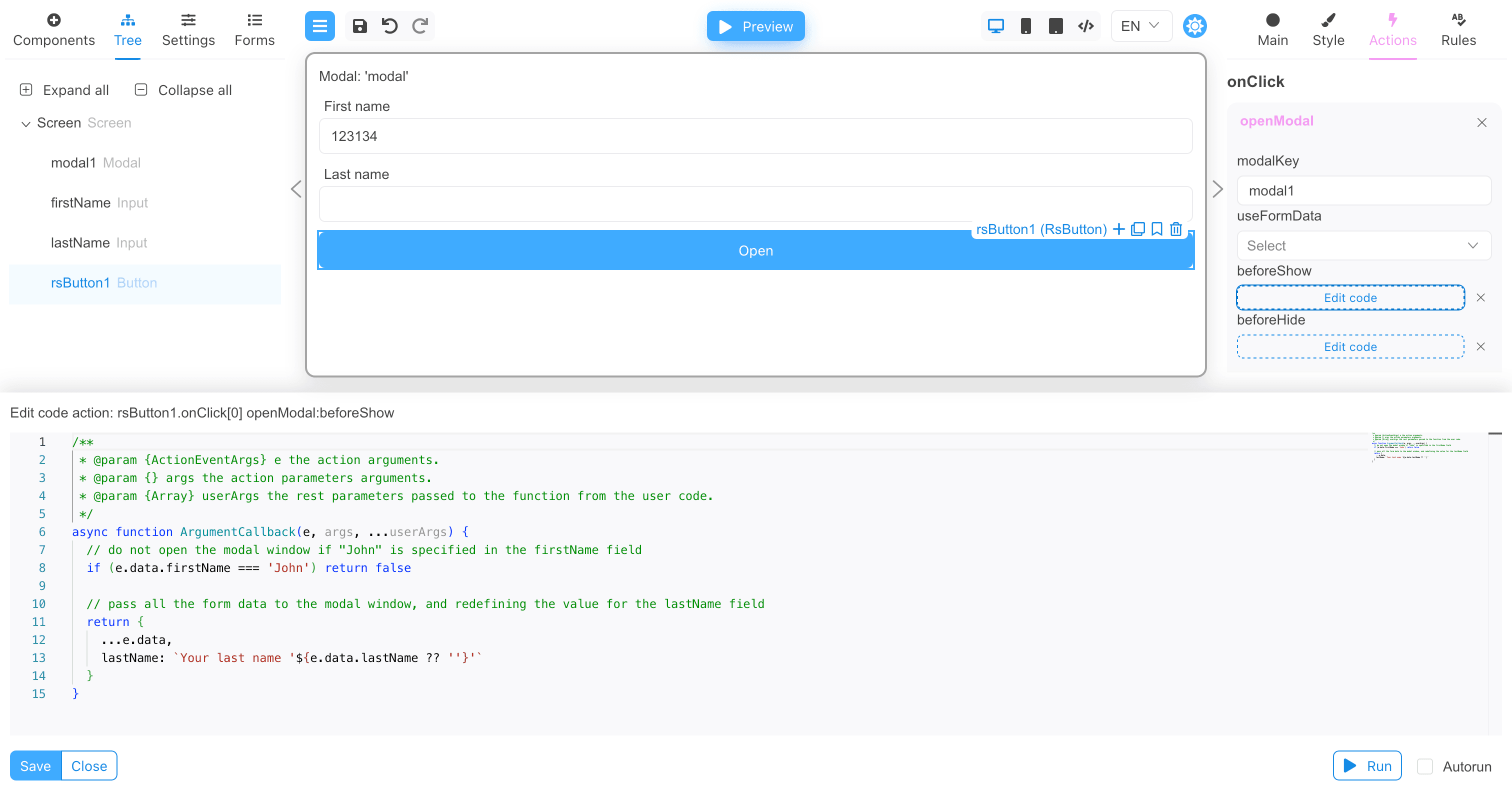
The beforeShow function will be called before the modal window is displayed. If the beforeShow function returns false, the modal window
will not be displayed. If the function returns an object with data, this data will be passed to the modal window if the useFormData
argument is not true.
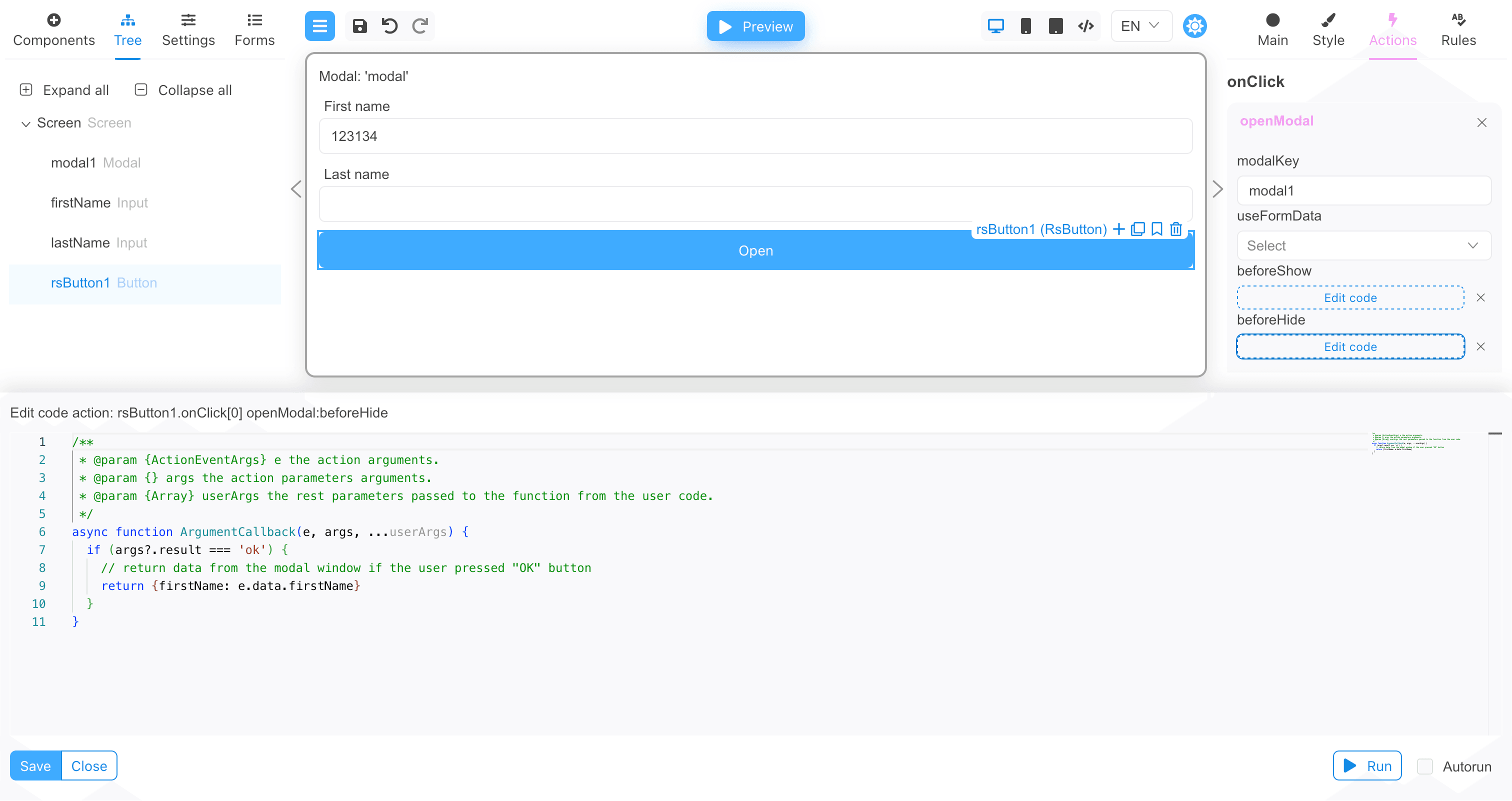
The beforeHide function is called before closing the modal window and can return data for the form from the modal window. If the function
returns an object with data, this data will be set in the form.
Transferring data to a modal form
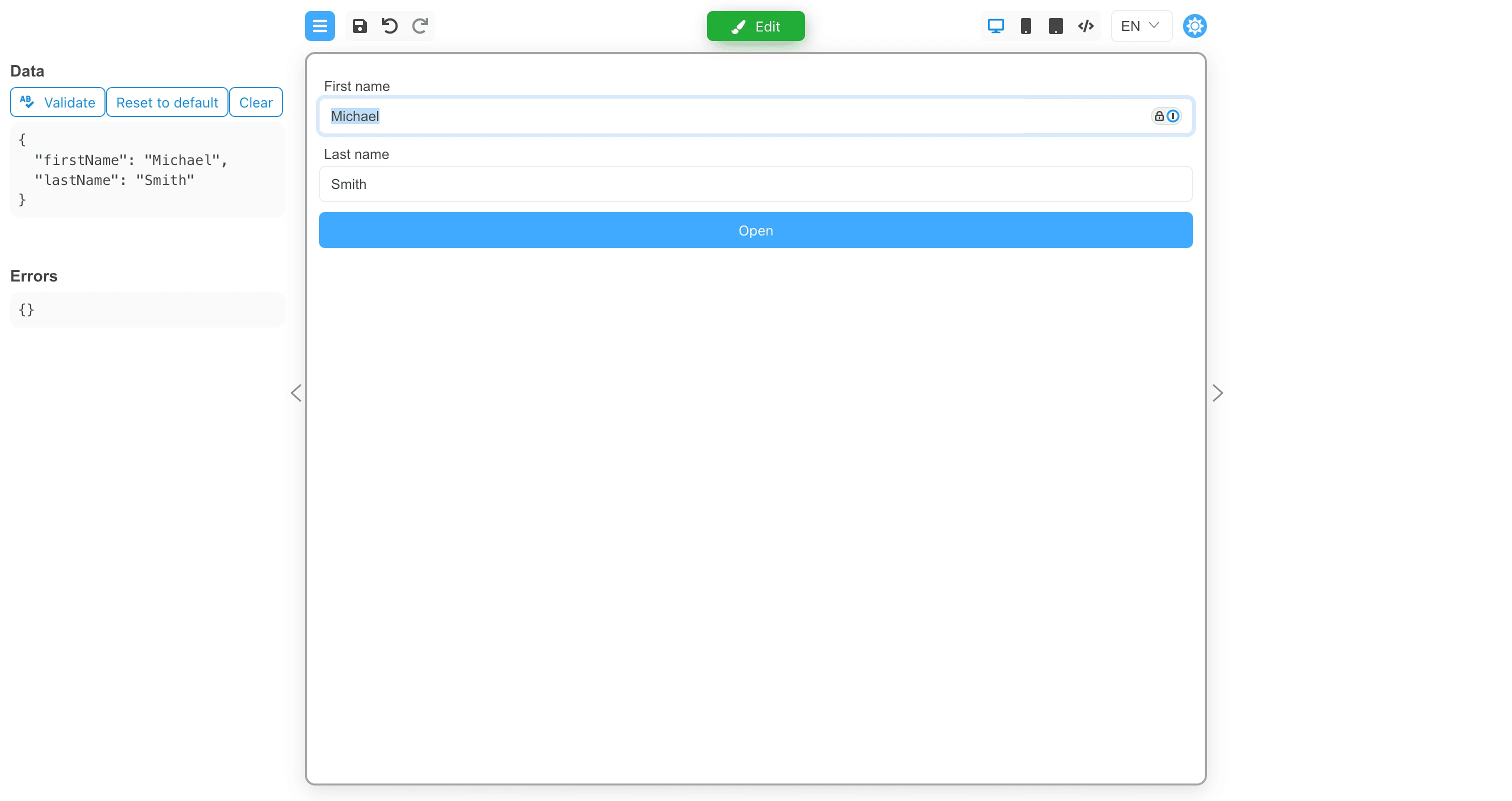
Let’s add a few more fields to the form and pass the field values to the modal window.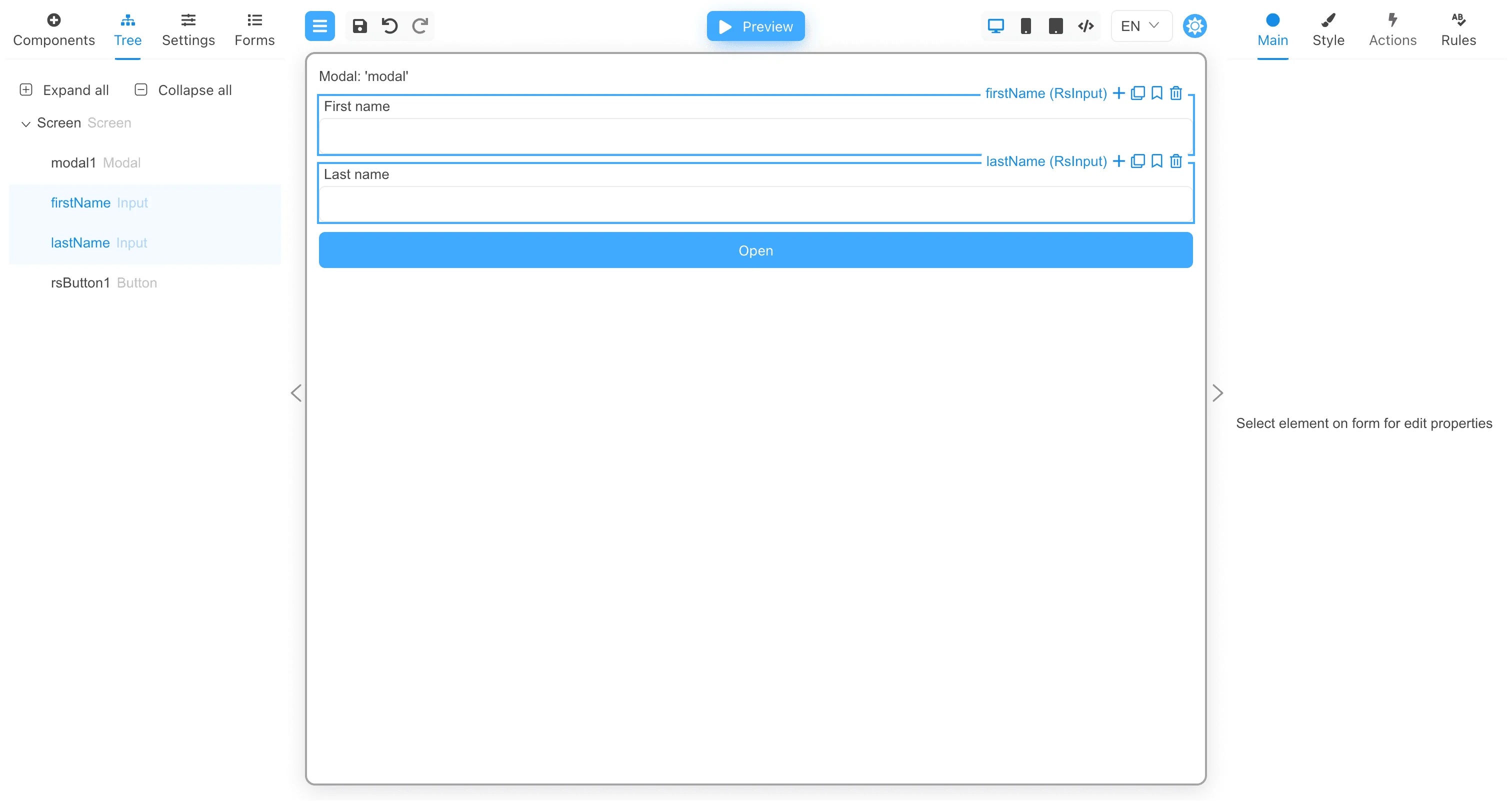
beforeShow function implementation:
beforeHide function implementation:
Testing the modal window
Click the Preview button, then type “John” in the First name field and “Smith” in the Last name field.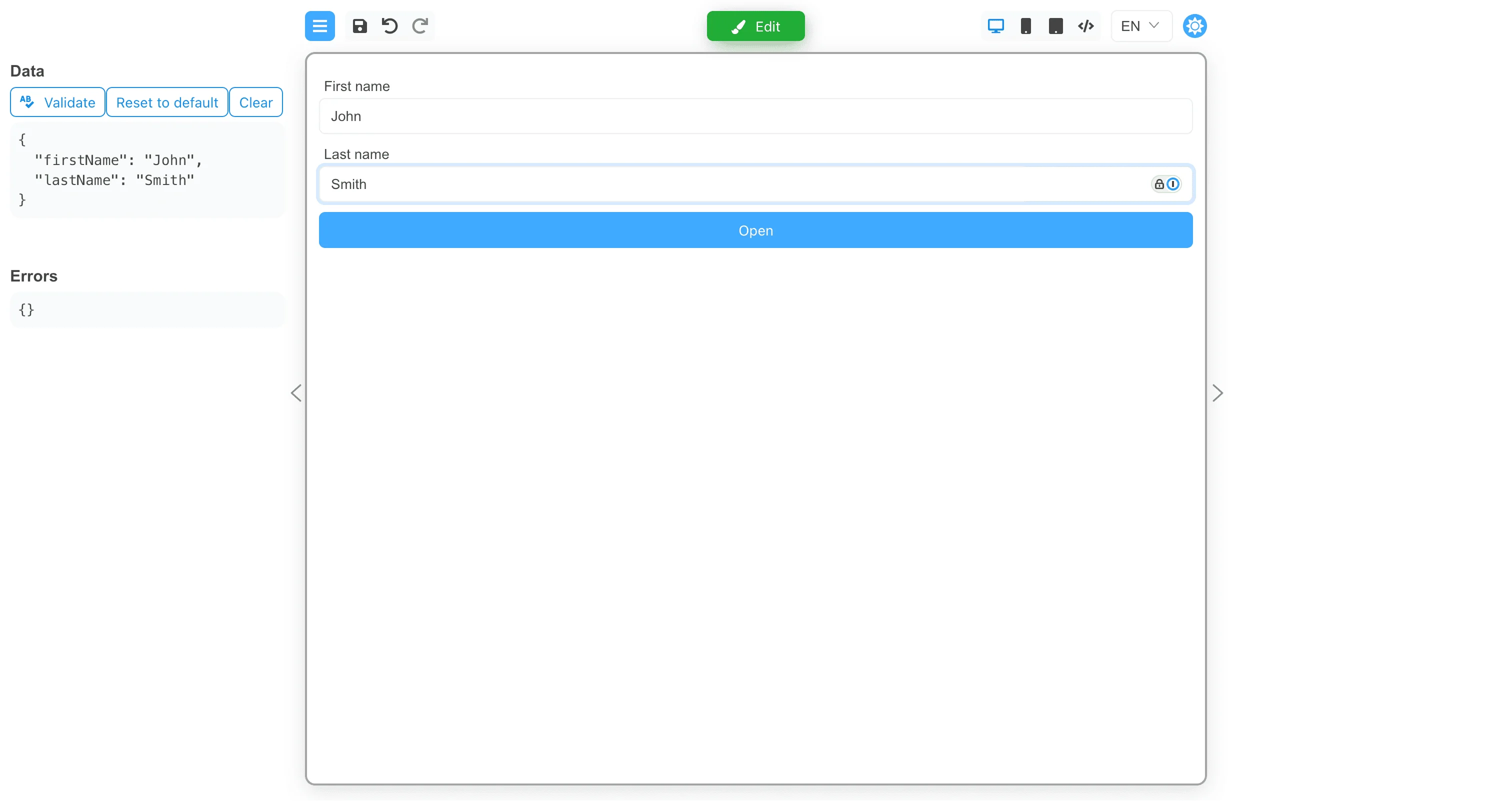
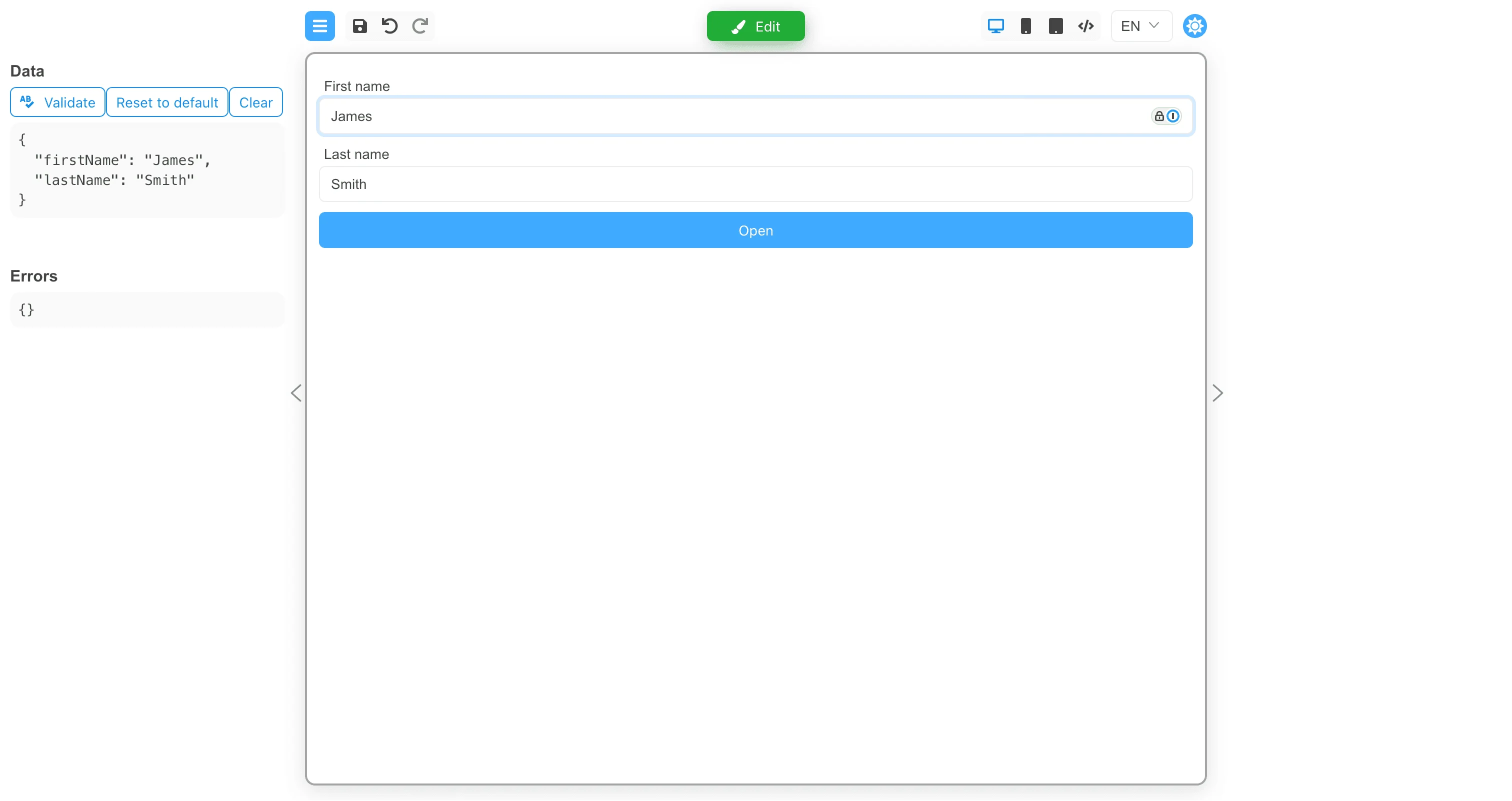
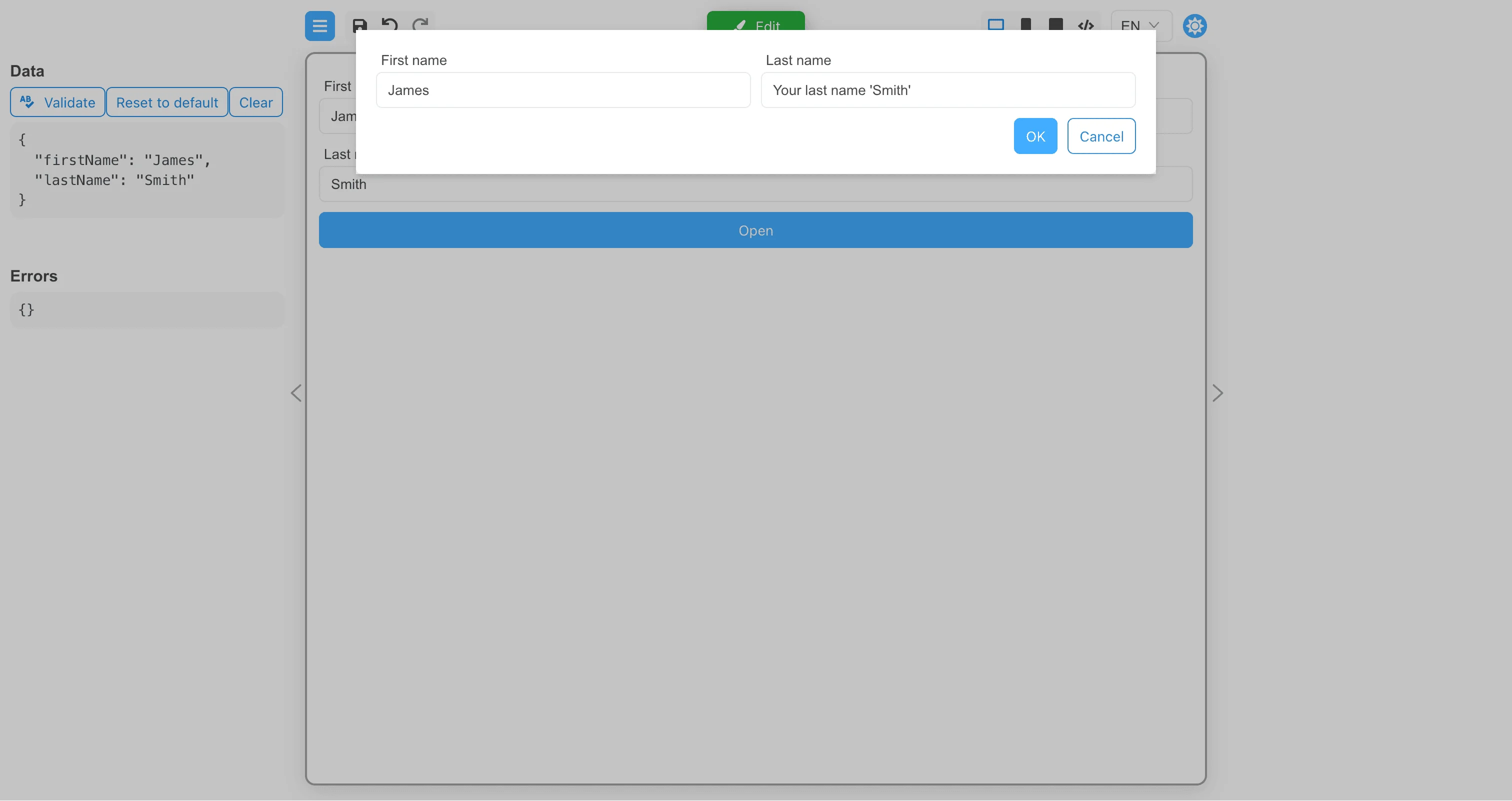
firstName field
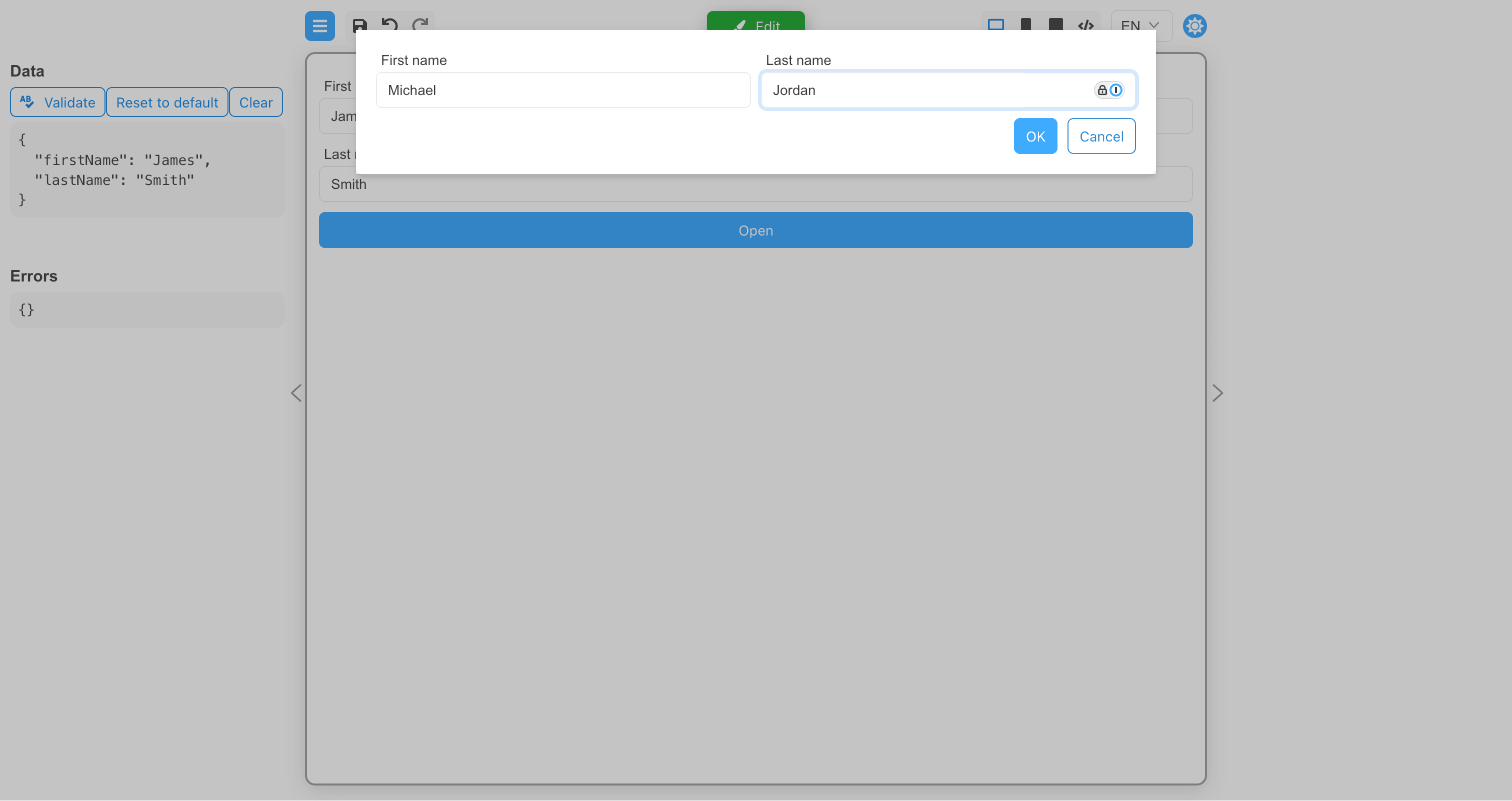
will be transferred to the parent form, and the data of the lastName field will be ignored.
Change the values of the input fields and click the OK button.
Custom modal components
A custom modal component have to implement the following properties:RsModal.tsx