

Overview
Some component properties can be localized. In order for a component property to be localizable, the following conditions must be met - the property must be of type string and the notLocalize method has not been called for this property. Here is an example of a component where thename property is localized, but the value property is not:
MyComponent.tsx
Example of localization
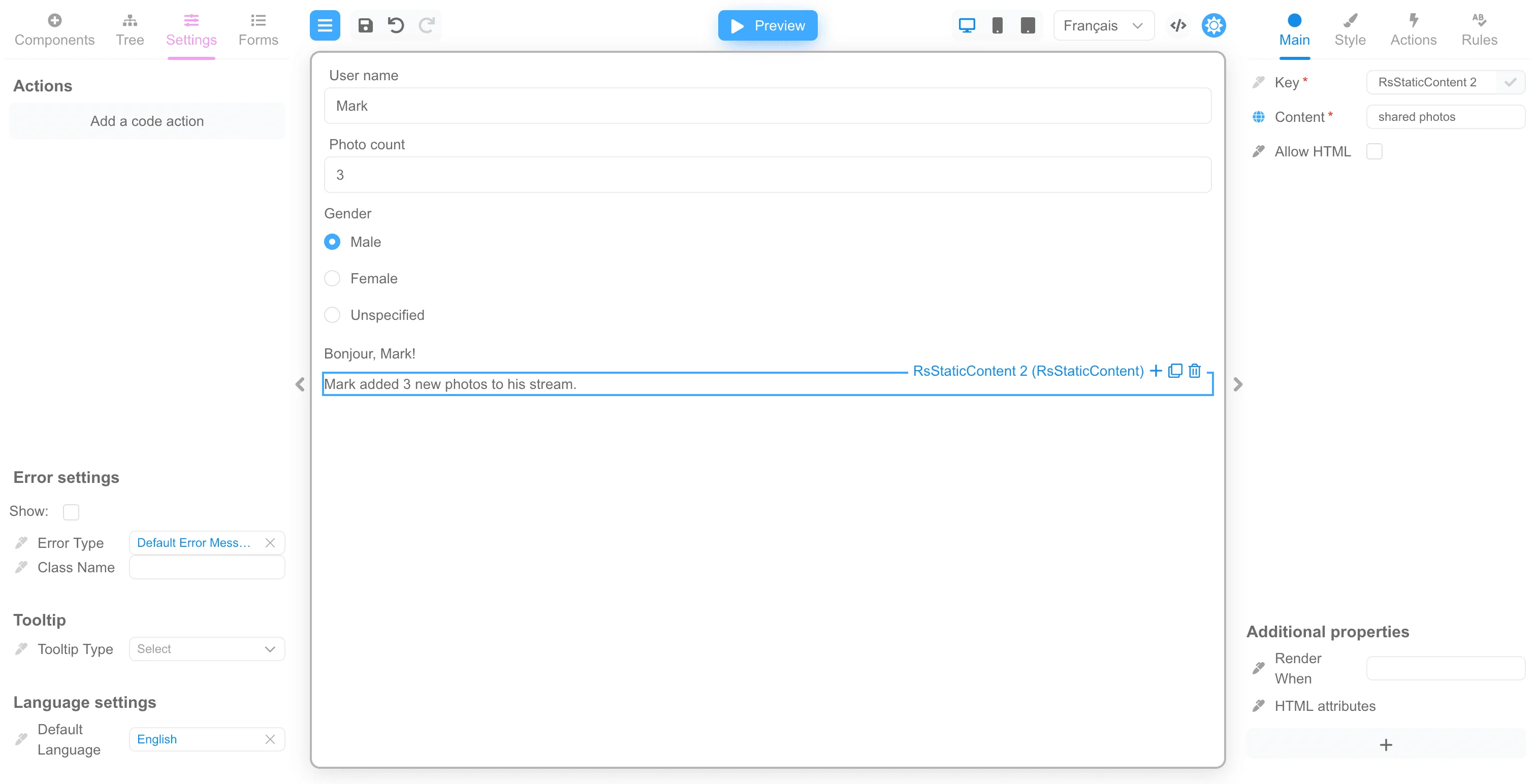
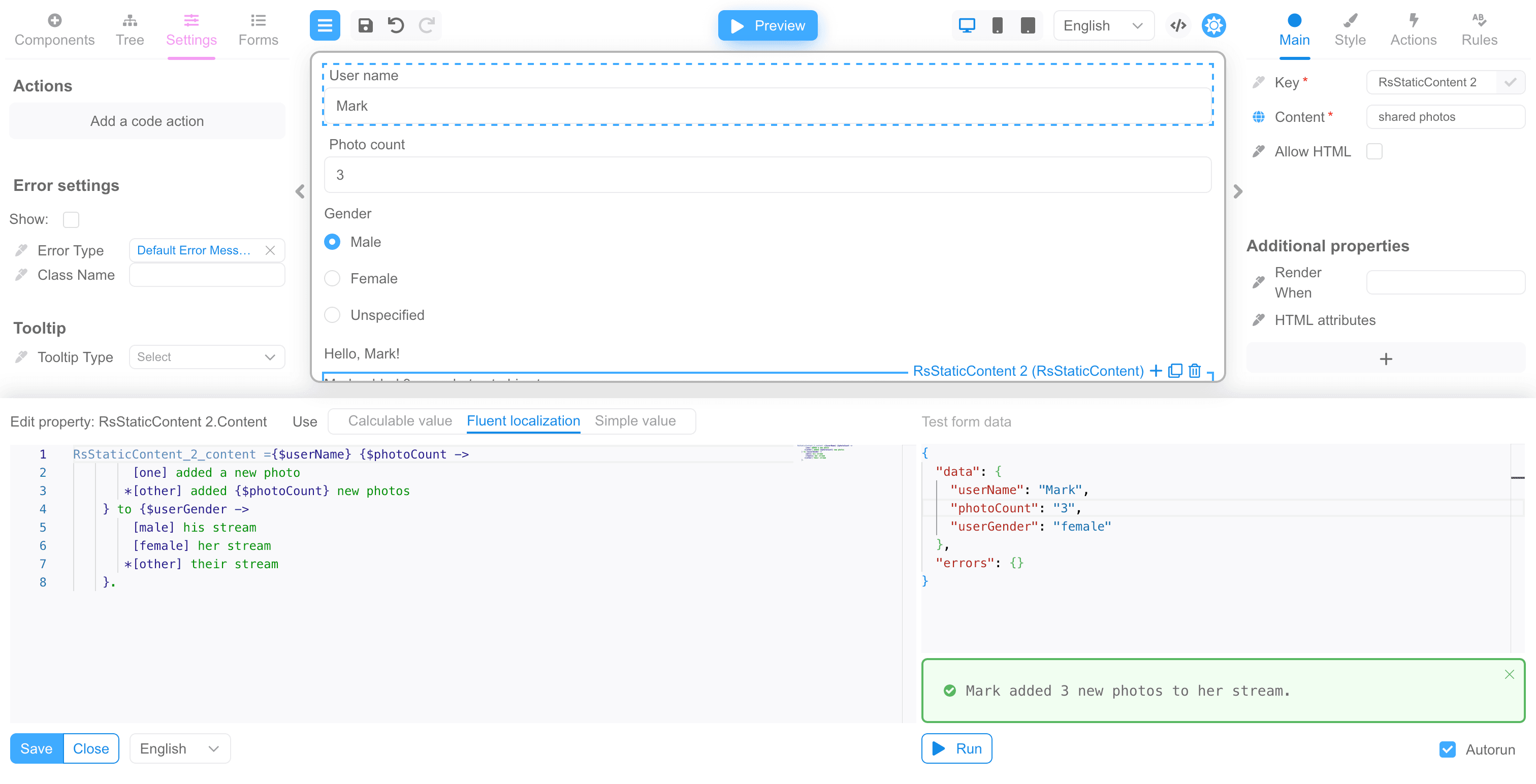
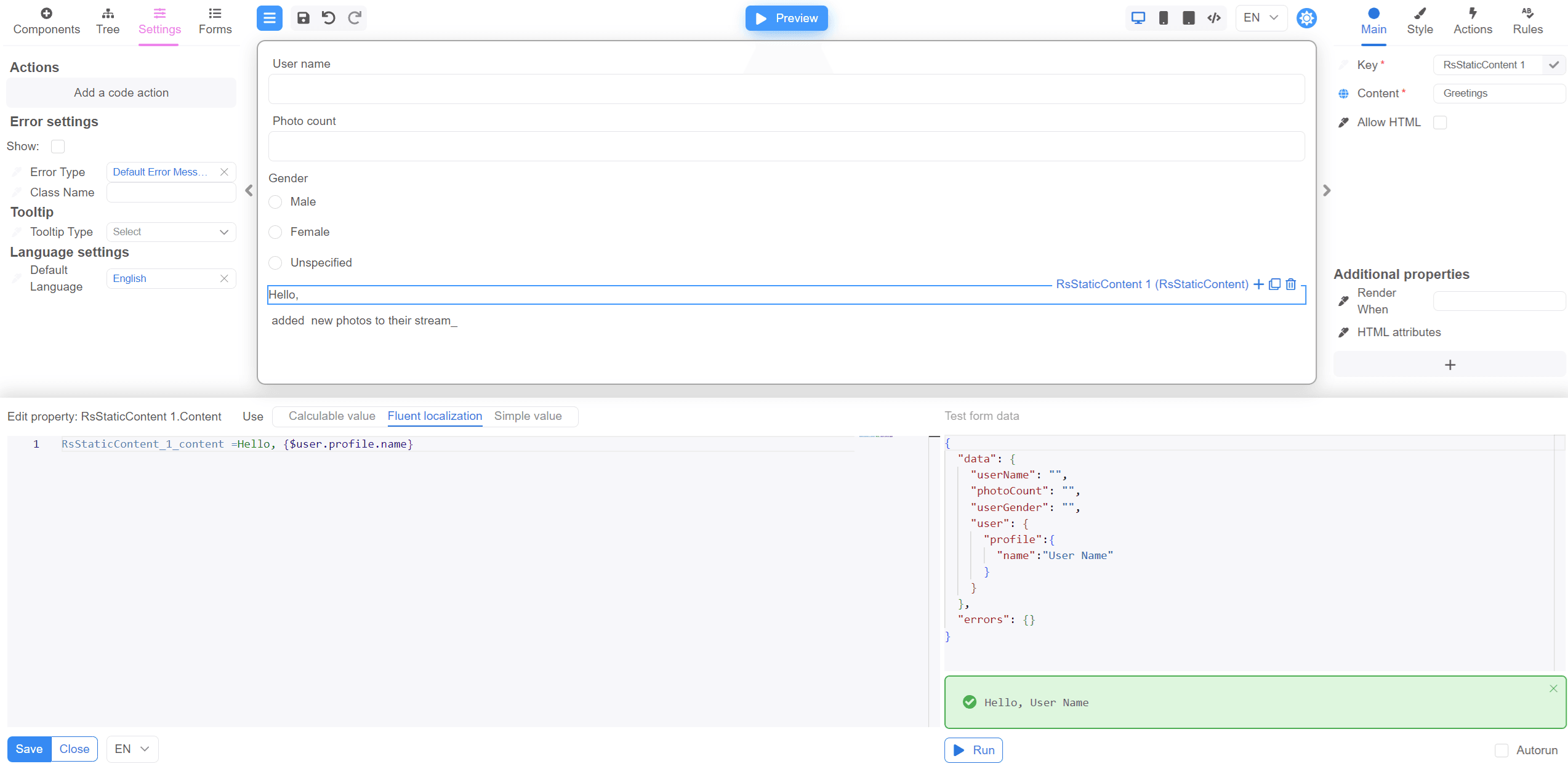
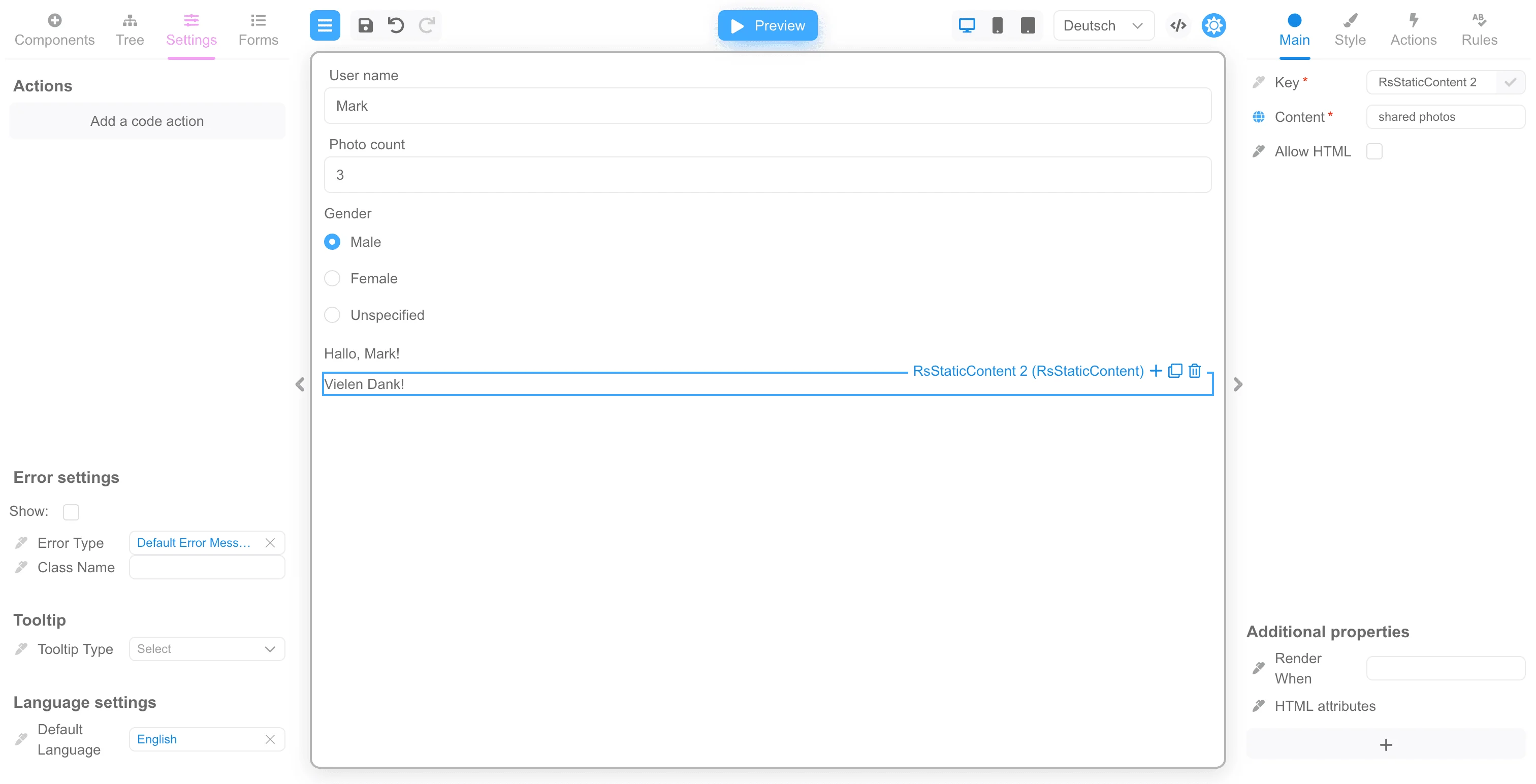
The form builder uses the Fluent library to localize component properties. We recommend that you follow this link and familiarize yourself with the capabilities of this library. For the example, we will create a form to display the data as in the example on the Fluent website. The form will have a field for entering the username, fields for entering the number of photos and selecting the gender. At the bottom of the form there will be two static fields to display localized data. You can simply copy the JSON below and upload it to the public demo.showLineNumbers
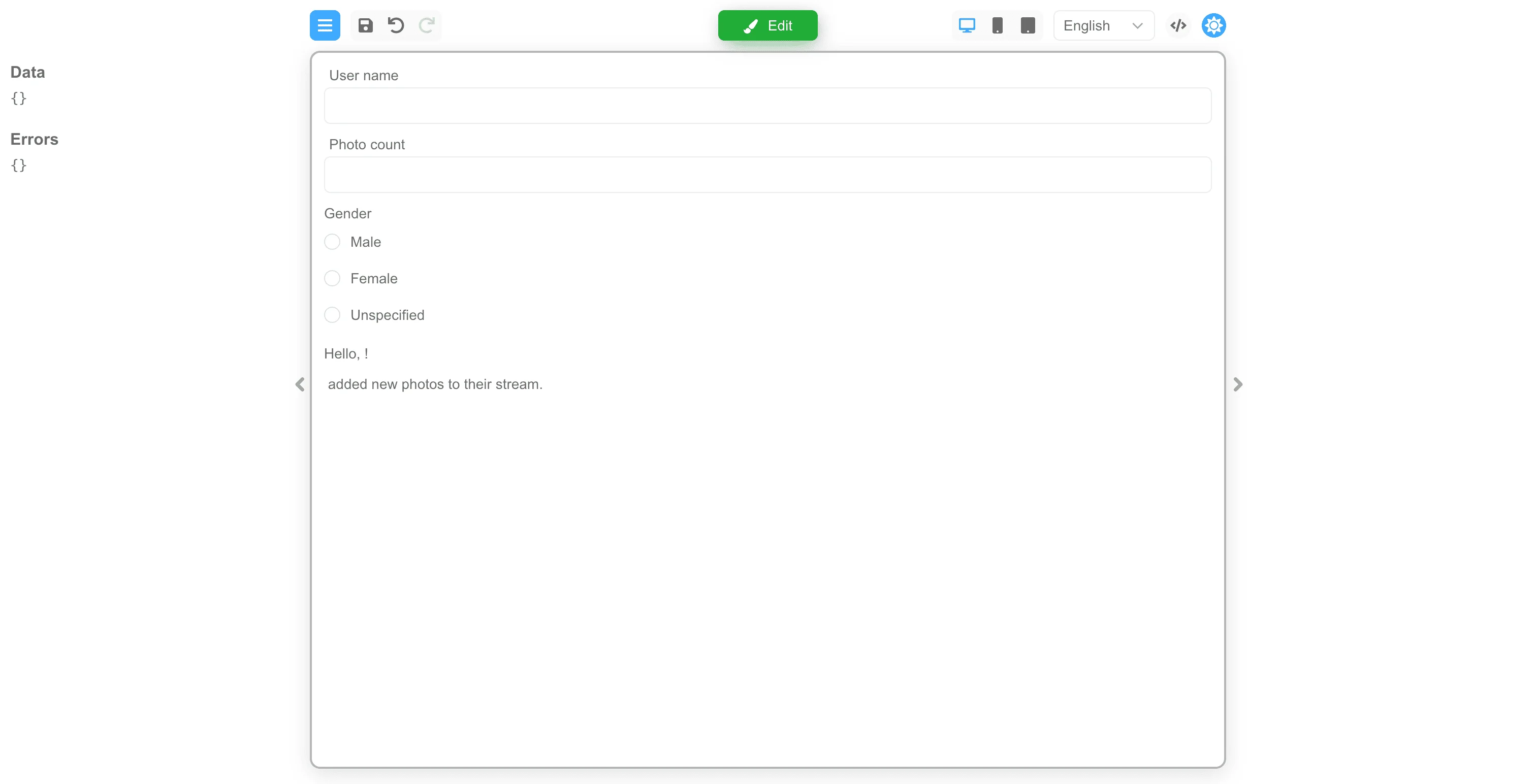
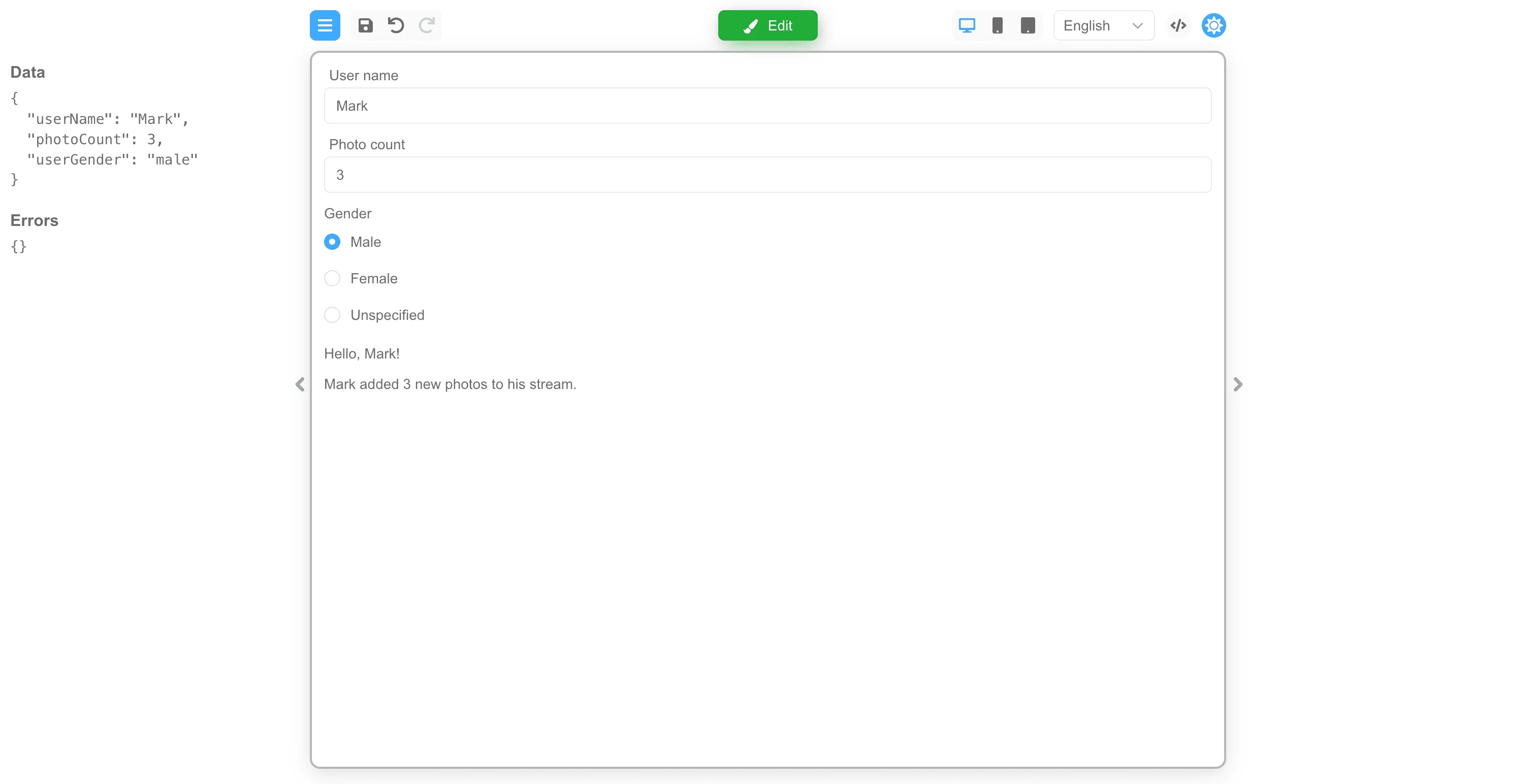
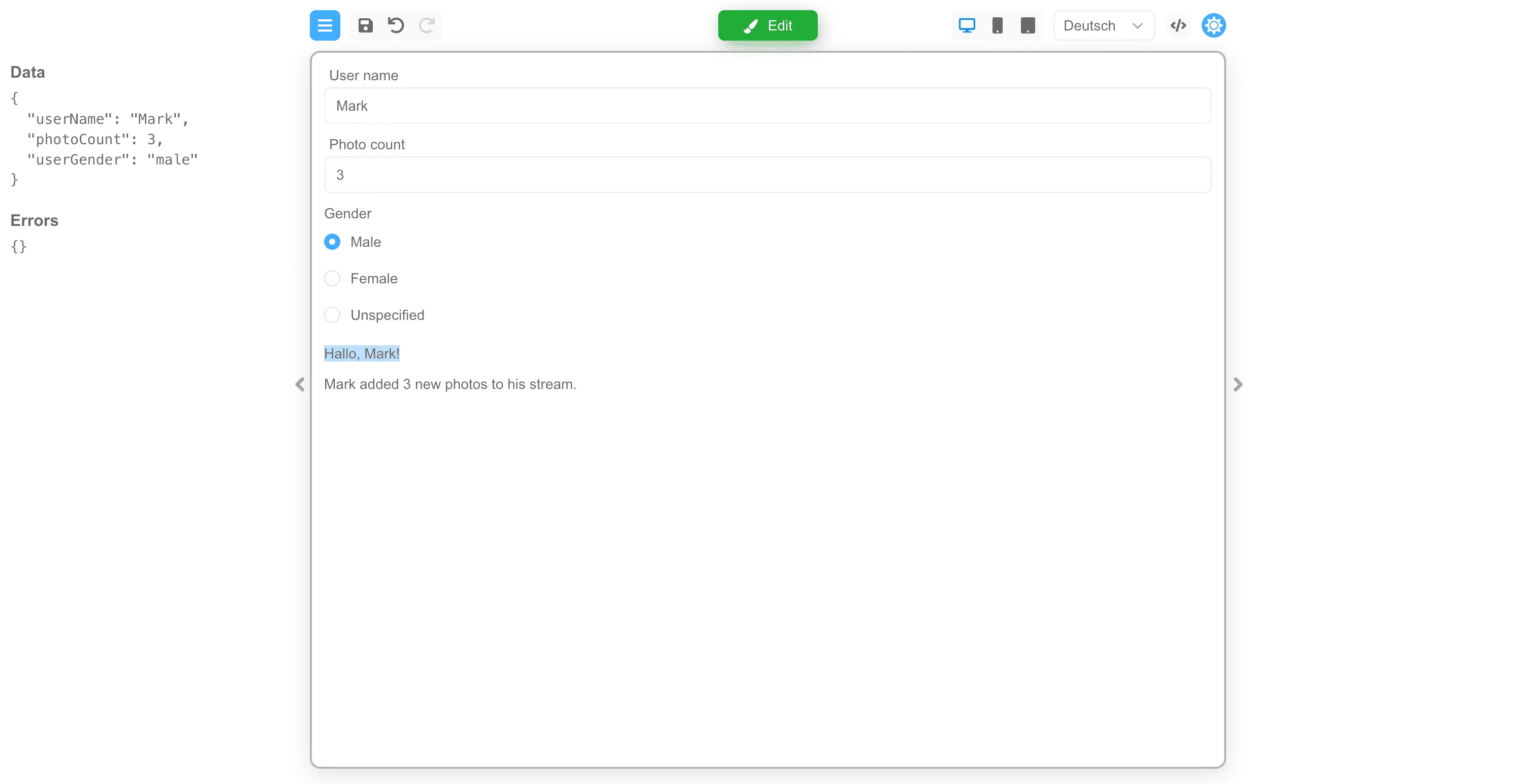
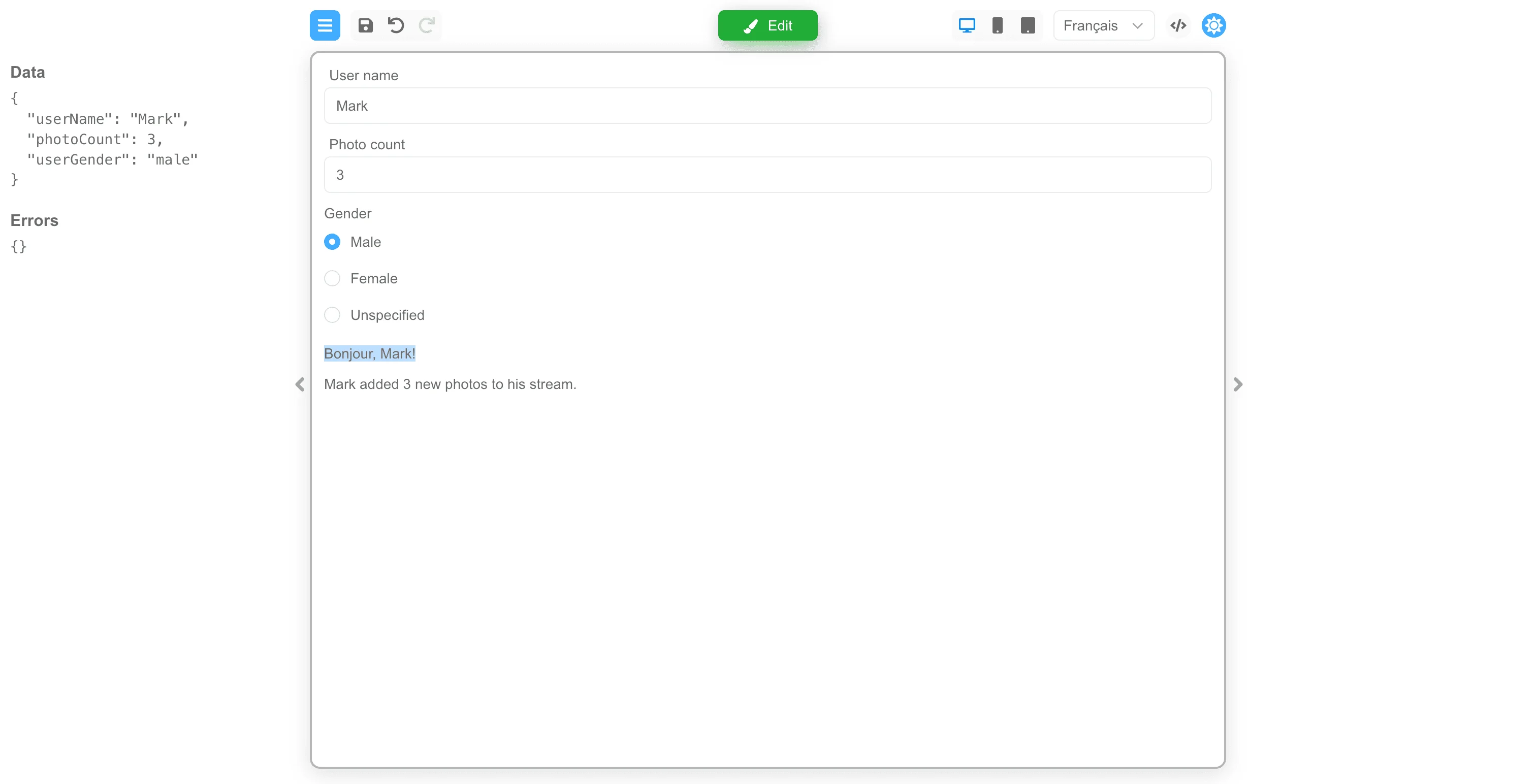
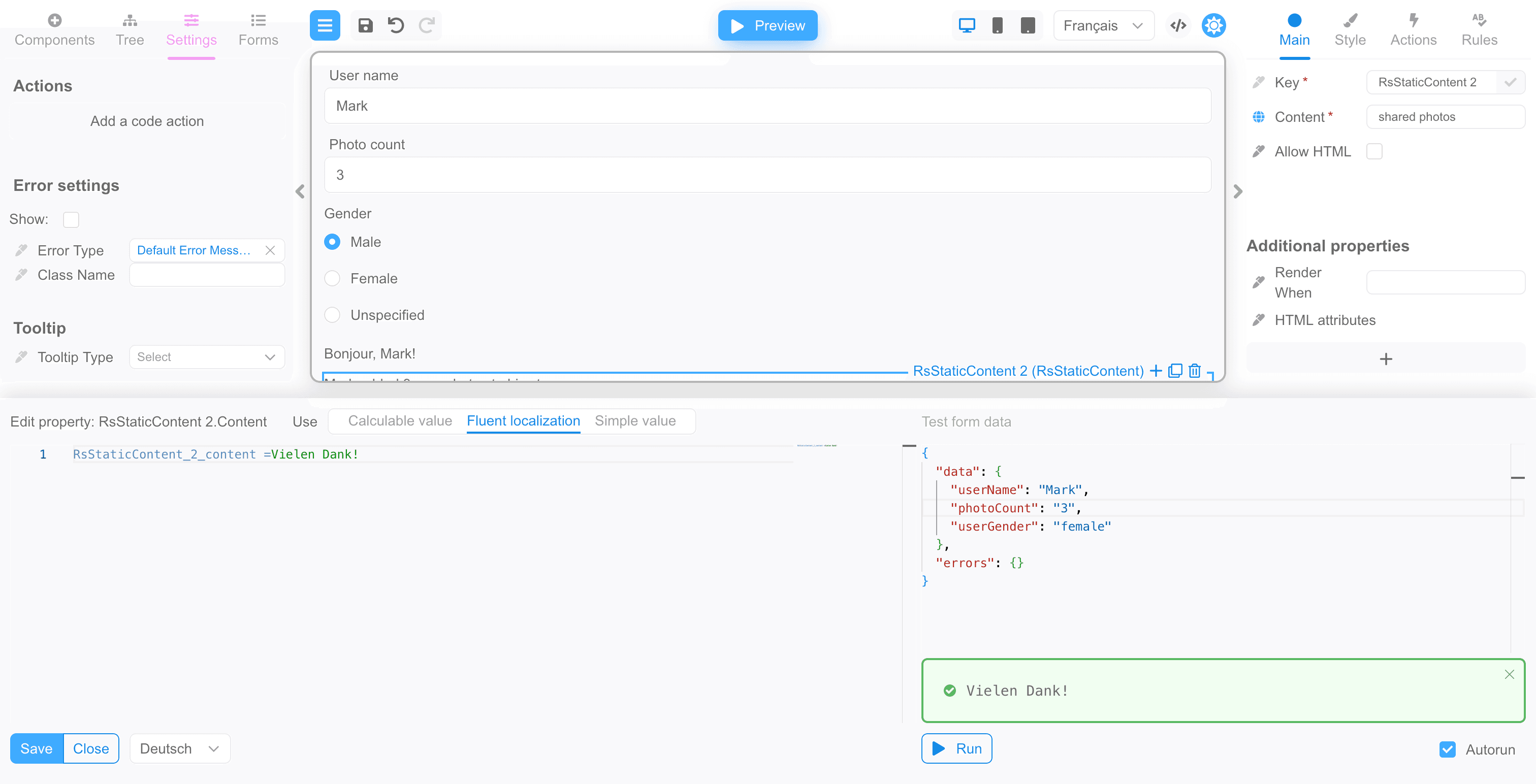
Localization editing
Click the “Edit” button to return to editing the form. In the panel on the left you can switch to the “Settings” section, where the form settings are located. In the “Language settings” section you can see the default language settings.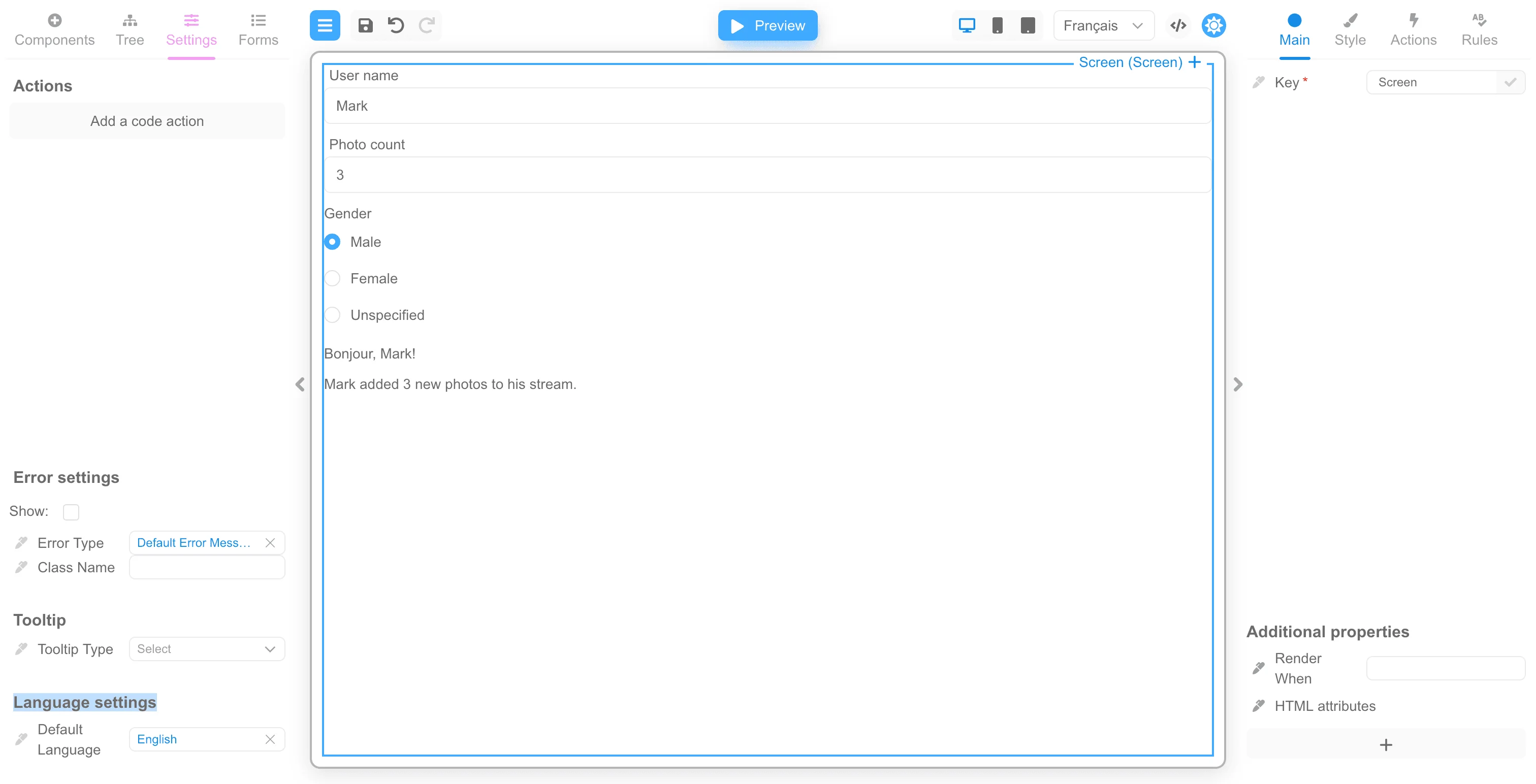
Custom localization
If you want to use your localization system, you can plug it in. To do this, you need to pass the localization function through the localize property. The parameters are passed to the function input:- localization language.
- component settings.
Record with the localized values of the component’s properties. If the function does not localize the
component properties, it should return an empty object. A simple example of a localization function:
placeholder property and only on a component with the comment key. The placeholder property is set to
the full code of the selected language. You can pass the current language through
the language property.
Additional localization functions
In addition to localization properties and functions mentioned above, there are several functions that allow you to customize specific aspects of localization. For example, such functions can determine the direction of text, which is crucial for certain languages.withViewerWrapper
The withViewerWrapper allows you to add a wrapper to the form viewer. This wrapper can be utilized to modify various localization properties and provide a customized experience for different languages or locales. The wrapper component accepts properties of type FormViewerWrapperComponentProps. You can define your own wrapper for your component library and pass it to thewithViewerWrapper function.
One practical example of using the withViewerWrapper function is by implementing
the RsLocalizationWrapper for React Suite
components, i.e.:
RsLocalizationWrapper component
implementation looks like:
RsLocalizationWrapper function returns
the CustomProvider component, setting the rtl property to true if
the language has the bidi property set to rtl, and also sets the locale
for the components. The children are the child components to be wrapped.
You can write a similar wrapper if you use MUI components, for example.
withCssLoader
The withCssLoader allows you to apply a CSS loader to the component based on the BiDi (Bidirectional) layout. This enables you to load specific CSS styles based on the text direction and provides flexibility in customizing the component’s appearance. Here are examples of how the withCssLoader function can be implemented:ltrCssLoader function loads the Left-To-Right (LTR) CSS for the React Suite library. It imports the CSS file and
uses the loadResource function to load the CSS dynamically. Similarly, the rtlCssLoader function loads the Right-to-Left (RTL) CSS for
the React Suite library. It imports the RTL CSS file and uses the loadResource function to load it. The formEngineRsuiteCssLoader
function loads custom styles for the FormEngine over the React Suite library.
Setting the form language
To set the language of the form, you can pass the current language through the language property:Conclusion
We have shown how localization of component properties works in Form Builder. Localization works the same way as computed properties work, except that the Fluent language is used for localization. We also showed that localization works reactively when data changes.Next steps
- Designer Customization — Customize the Designer interface further
- Designer Overview — Learn about Designer packages and capabilities