

Quickstart: Build a React Form from JSON
This quickstart gets you to a working FormEngine form fast. By the end, you will have a React form rendered from JSON, with validation and a clean starting point for adding dynamic behavior later. The quickstart flow looks like this: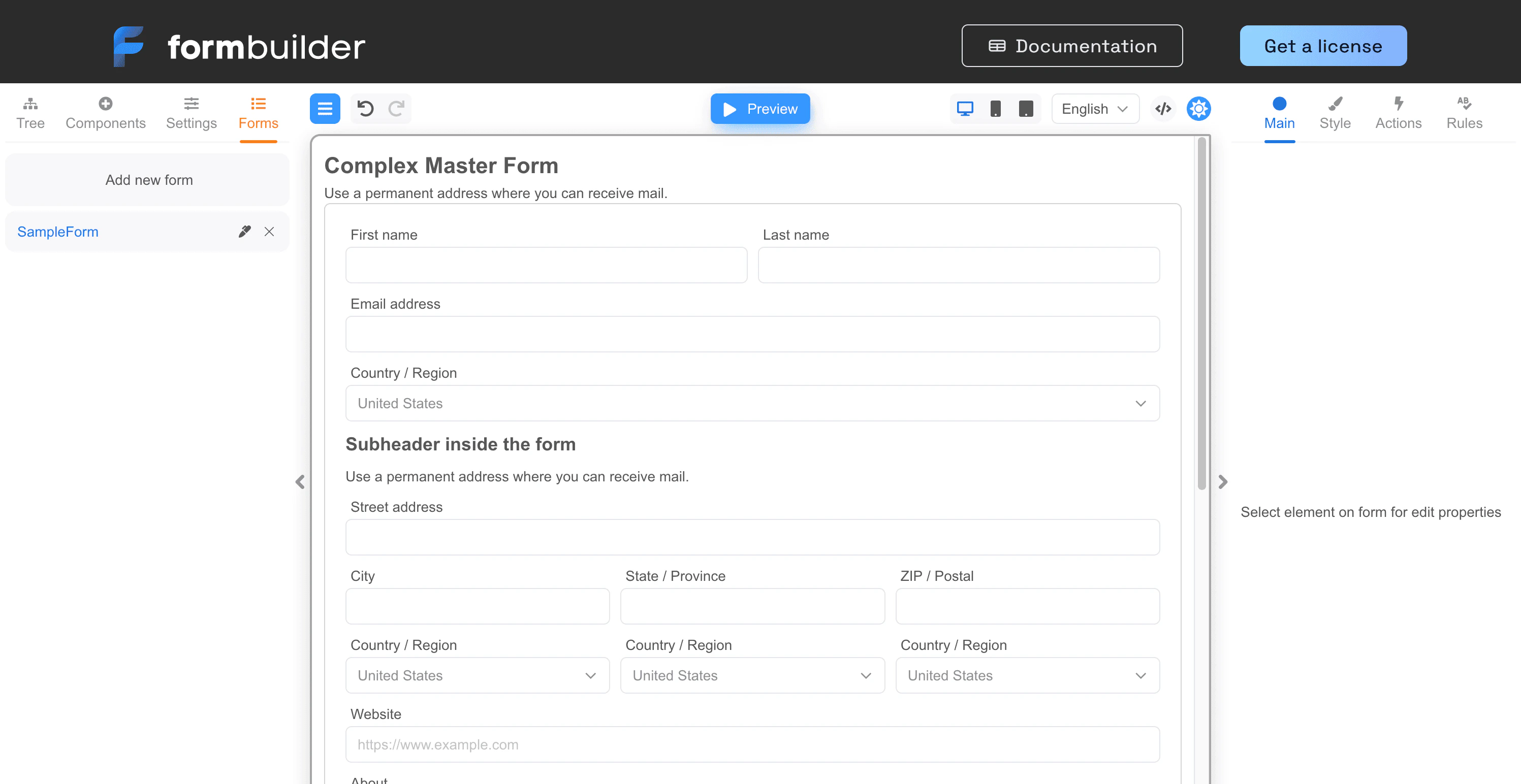
What you are building
You will:- install FormEngine Core and an RSuite-based component library
- define a simple contact form in JSON
- render it in React with
FormViewer - inspect form data and validation output
Prerequisites
- Node.js 18+
- a React project using Vite, Next.js, Remix, or a similar setup
If you do not have a React project yet, create one with
npm create vite@latest my-form-app -- --template react-ts, then run cd my-form-app and npm install.Step 1: Install the packages
Install FormEngine Core and the RSuite component package:Step 2: Create a JSON form definition
Create a file namedcontactForm.json:
contactForm.json
- a required name field
- an email field with validation
- an optional message field
Step 3: Render the form in React
Now render that JSON withFormViewer:
App.tsx
Step 4: Understand what just happened
At this point, you already have the core FormEngine model working:- the form structure is defined in JSON
- the viewer renders it with a component library
- validation rules run from the schema
- form data changes are available to your app
Step 5: Add submission logic
When you are ready to submit the form, use a viewer ref and read the current data:App.tsx
Common next improvements
After this quickstart, most teams add one of these next:- validation for richer rules
- conditional logic for branching fields
- multi-step forms for longer workflows
- integrations for a different framework or UI stack
FAQ
Do I need the Designer for this quickstart?
Do I need the Designer for this quickstart?
No. This quickstart uses FormEngine Core only. You can define the form directly in JSON and render it without the visual builder.
Why does the form live in JSON instead of JSX?
Why does the form live in JSON instead of JSX?
Because JSON makes the form structure easier to reuse, version, and extend as workflows become more dynamic.
Can I use Material UI or another component library instead of RSuite?
Can I use Material UI or another component library instead of RSuite?
Yes. RSuite is just the quickest path for this example. FormEngine also supports other UI libraries and custom components.
What should I read next after this page?
What should I read next after this page?
Usually validation, conditional logic, or the multi-step tutorial, depending on the form you want to build next.
Next steps
Understand validation
Add richer rules, error handling, and cross-field checks.
Add conditional logic
Show and hide fields based on user input.
Build a multi-step form
Turn a simple form into a wizard flow with step-based progression.
Open the Online Builder
Create a form visually and export the schema.