

Install FormEngine in React Projects
Use this page when you need the right installation path for your stack. FormEngine is distributed as npm packages. Most teams start with FormEngine Core plus a component library, then add the Designer only if they need a visual drag-and-drop builder. Installation is usually a path decision between runtime and builder layers: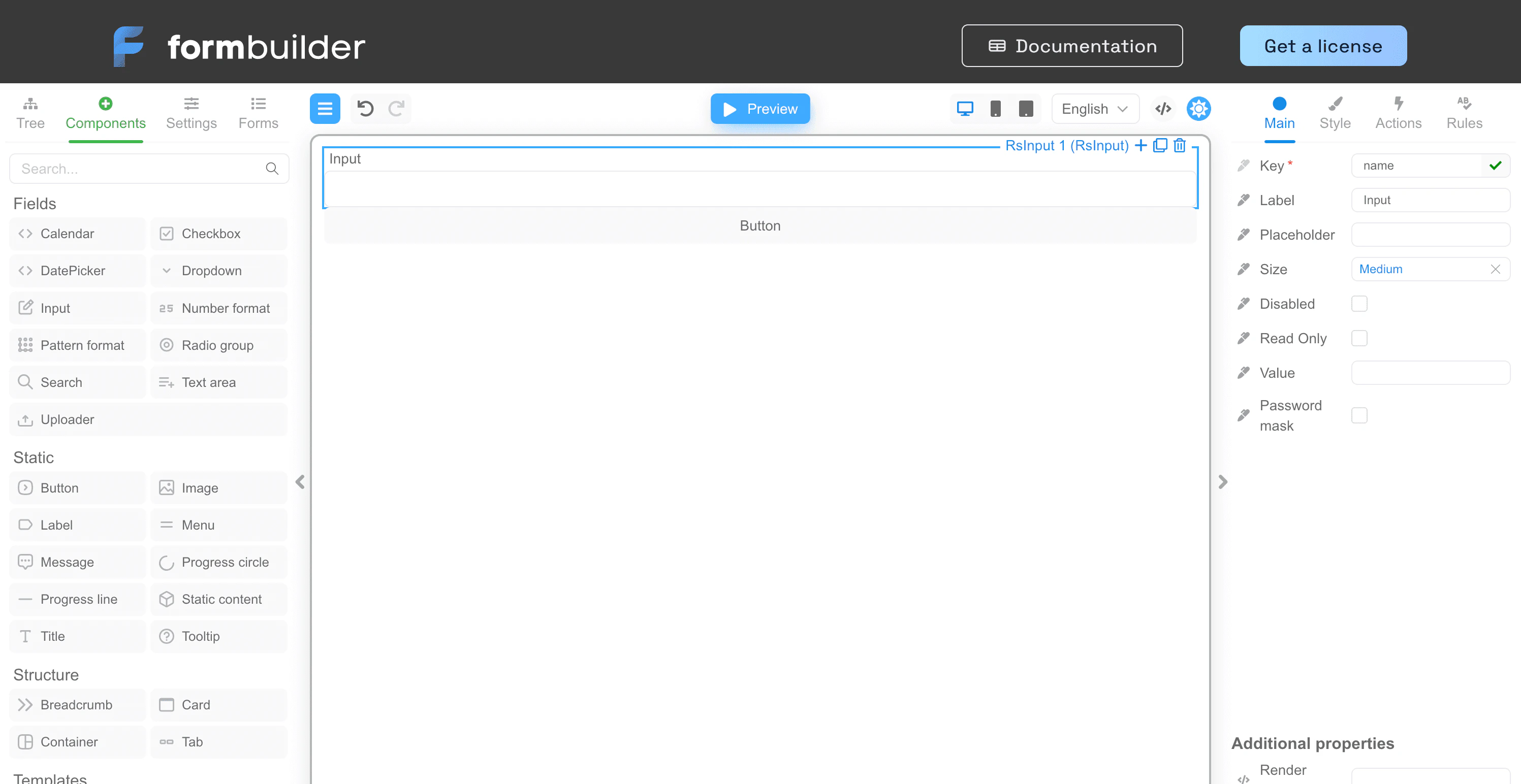
Choose the installation path
There are two main ways to use FormEngine:- install FormEngine Core to render and manage JSON-driven forms in your app
- install FormEngine Designer if your team also needs a visual builder for creating and editing forms
Step 1: Install FormEngine Core
Install the runtime first:Step 2: Choose a UI layer
FormEngine Core does not force one visual component set. You pair it with a component library or your own custom components.| Option | Package | Best for |
|---|---|---|
| RSuite | @react-form-builder/components-rsuite | fastest way to get started |
| Material UI | @react-form-builder/components-material-ui | apps already using MUI |
| Mantine | @react-form-builder/components-mantine | apps already using Mantine |
| shadcn/ui or custom design system | custom components | teams with their own UI layer |
Install with RSuite
Install with Material UI
Install with Mantine
Step 3: Install the Designer when needed
The Designer is optional. It is used to create and edit forms visually. It is not required for rendering forms in production.- non-developers need to edit forms
- your team wants drag-and-drop authoring
- forms change often and should not live only inside developer-owned code
- developers fully own the schema
- forms are created directly in JSON or code
- you only need rendering and runtime behavior
Framework compatibility
FormEngine works with modern React app setups:| Framework | Status | Guide |
|---|---|---|
| Vite + React | supported | Quickstart |
| Next.js | supported | Next.js integration |
| Remix | supported | Remix integration |
| Electron | supported | Electron integration |
| Angular wrapper | supported | Angular integration |
Common installation issues
Most installation problems come from one of these:- missing peer dependencies for a chosen UI library
- using the wrong component package name
- framework-specific setup details such as client-side rendering boundaries
- mixing up Core runtime packages and Designer packages
FAQ
Do I need both Core and Designer?
Do I need both Core and Designer?
No. Many teams use Core only. Add the Designer when you need visual form authoring.
Which package setup is best for the fastest start?
Which package setup is best for the fastest start?
Core plus the RSuite components package is usually the fastest path to a working form.
Can I use FormEngine with my existing design system?
Can I use FormEngine with my existing design system?
Yes. If you do not want a prebuilt component package, use custom components and keep the schema-driven runtime.
Where should I go after installation?
Where should I go after installation?
Go to the quickstart if you want a working example, or to integrations if you need framework-specific setup guidance.
Next steps
Open the quickstart
Render your first working form from JSON.
Browse integrations
See the setup path for your framework or UI stack.
Review custom components
Connect FormEngine to your own component system.
See Designer setup
Continue if your team needs the visual builder.